How to count tasting room sales in your Meta ads results
Ads that bring people to your tasting room often look like they don’t work, because the Meta pixel never sees a sale at the bar. Meta can credit those sales. Here is how it decides, what a Commerce7 winery needs to send, and how to read the numbers without fooling yourself.
 By Dumitru C., 7Labs
Published
4 min read
By Dumitru C., 7Labs
Published
4 min read
Why your ads get no credit for tasting room sales
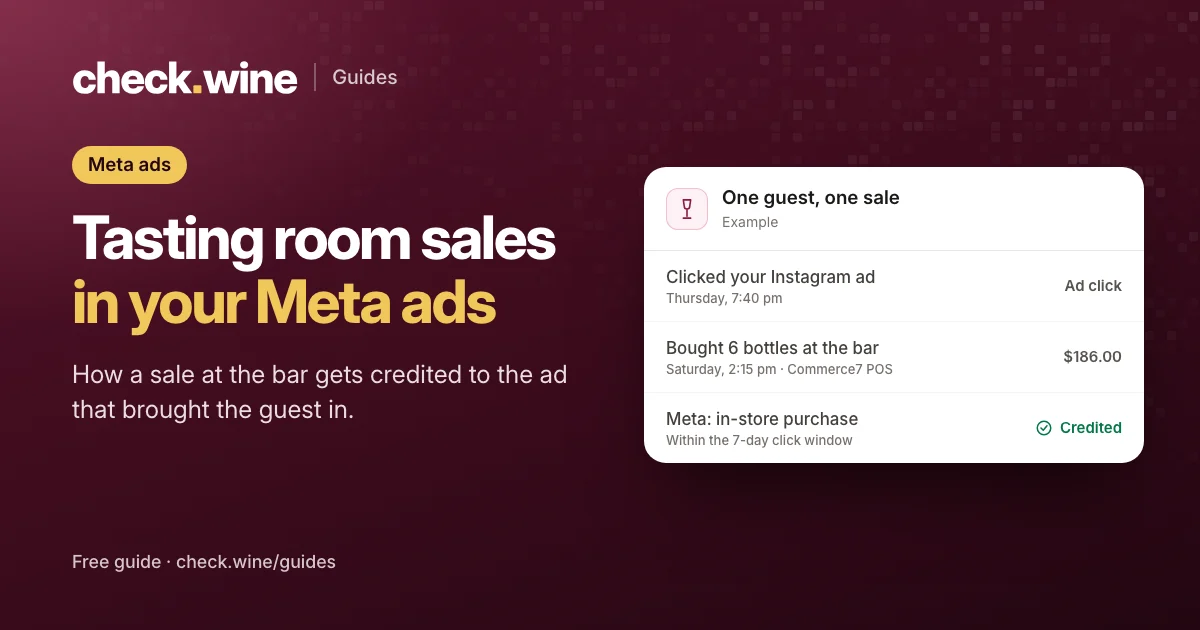
Someone sees your Instagram ad on Thursday, drives out on Saturday and buys a case at the tasting room bar. The Meta pixel on your website never saw any of it, so Ads Manager shows the ad as a cost with no result. Multiply that by every visitor who found you through an ad, and ads that fill the tasting room can look like they don’t work.
Meta can credit those sales, but only if each one reaches Meta. A POS sale has no browser, so it has to come from a server through Meta’s Conversions API, marked as an in-store sale. Meta retired its separate Offline Conversions API in 2025, so the Conversions API is now the route for in-store sales too.
How Meta credits an in-store sale
- The sale arrives as a Purchase event with
action_sourceset tophysical_store, the order total, the currency and the time of sale. - Meta matches the buyer to a Facebook or Instagram account using the customer details on the order: email, phone, name and address, each hashed before it leaves your system.
- Meta checks for an ad that person clicked, engaged with or saw shortly before the sale.
- If one falls inside your attribution window, the sale counts as a result for that ad.
Meta’s default attribution setting:
| What the person did | A sale counts if it happens within |
|---|---|
| Clicked a link in your ad | 7 days |
| Liked, commented on, shared or saved your ad | 1 day |
| Saw the ad and did nothing | 1 day |
The window is set per ad set, under Attribution setting, and works the same way for in-store and online sales.
What to set up on Commerce7
Send POS orders to Meta from the server
Commerce7 knows about every POS order, so the connection has to read orders from Commerce7, not from the website. Two Commerce7 App Store apps say they send tasting room orders as in-store purchases: Facebook Conversion Tracking by Treefrog Digital and 5forests, and 1Pixel, which we make. A developer can also build it with Commerce7’s order webhooks and the Conversions API. The options are compared in Meta Conversions API for Commerce7.
Put a customer on every sale you can
Meta can only match a sale that carries an email or a phone number. A walk-in sale rung up with no customer attached reaches Meta, but nobody can be matched to it. Asking “can I email you the receipt?” at the counter is the single biggest lever on how many tasting room sales Meta can credit. Meta scores this as Event Match Quality in Events Manager, from 0 to 10.
Keep club shipments and comps out
- Club shipments. When Commerce7 processes a club run, it creates an order for every member at once. No ad caused those, and hundreds of orders arriving together would be credited to whatever ads those members saw that day. Leave them out of Purchase.
- $0 orders. Comps and 100% discounts aren’t sales.
- Refunds. The Conversions API has no way to take a sale back once Meta has it, so a refunded order stays counted. Keep that in mind if refunds are common.
Check the ad set is listening
In each ad’s Tracking section, make sure your pixel is selected. If Meta shows an offline events option there, select your pixel under it too, so in-store sales can be credited to that ad.
Reporting it honestly
Once in-store sales flow in, Ads Manager’s purchase numbers go up, sometimes a lot. A few habits keep the numbers useful:
- Show in-store purchases in their own column. The standard Purchases column adds online and in-store together. Under Columns, Customize columns, add the in-store or offline purchase columns next to it.
- Compare attribution settings. Columns, Compare attribution settings shows the same results under other windows. Seven-day click alone drops the credit Meta gives for views and engagement.
- Remember what credit means. Meta credits an ad when a sale comes soon after it. It can’t know the ad made the person buy. A regular who saw your ad yesterday and visits as usual today still counts. Every tool that sends sales to Meta works this way.
- Check against Commerce7. Compare a week of POS orders in Commerce7 with in-store purchases in Events Manager, so you know what share Meta can match.
To measure what ads add on top, Meta offers lift studies that compare people who saw your ads with a held-out group who didn’t. They need enough spend to be reliable. A simpler test is to pause ads in one region for a few weeks and compare tasting room traffic with the regions where they kept running.
Should you leave tasting room sales out?
We don’t recommend it. In-store sales tell Meta who your buyers are, which helps it find more people like them, and they are often the larger part of a winery’s revenue. Report them in their own column instead of removing them.
Questions
Can Meta ads get credit for tasting room sales?
Yes, when each sale reaches Meta through the Conversions API as an in-store purchase with the buyer’s email or phone, and the buyer clicked, engaged with or saw one of your ads inside the attribution window.
What happened to Meta’s Offline Conversions API?
Meta retired it in 2025. In-store sales now go through the regular Conversions API with the action source set to physical_store.
Why are so few tasting room sales matched?
Usually because the orders have no customer attached, or the customer has no email or phone on file. Meta can’t match a sale without them.
Will in-store sales make my ad results look better than they are?
They can, because Meta credits sales by timing, not by cause. Show them in their own column, compare attribution windows, and use a lift study or a regional pause test to measure what ads add.
Read next
All guides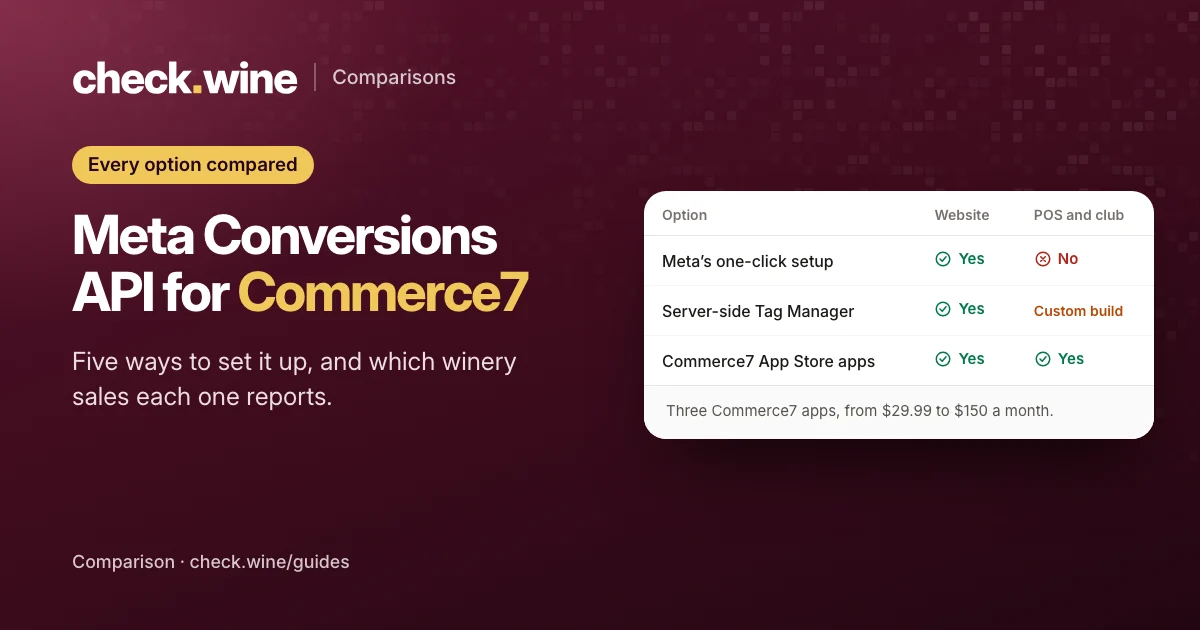 Comparison
Commerce7 Conversions API options
Five ways to send Commerce7 sales to Meta’s Conversions API: three App Store apps, Meta’s free setup and server-side Tag Manager. What each covers and costs.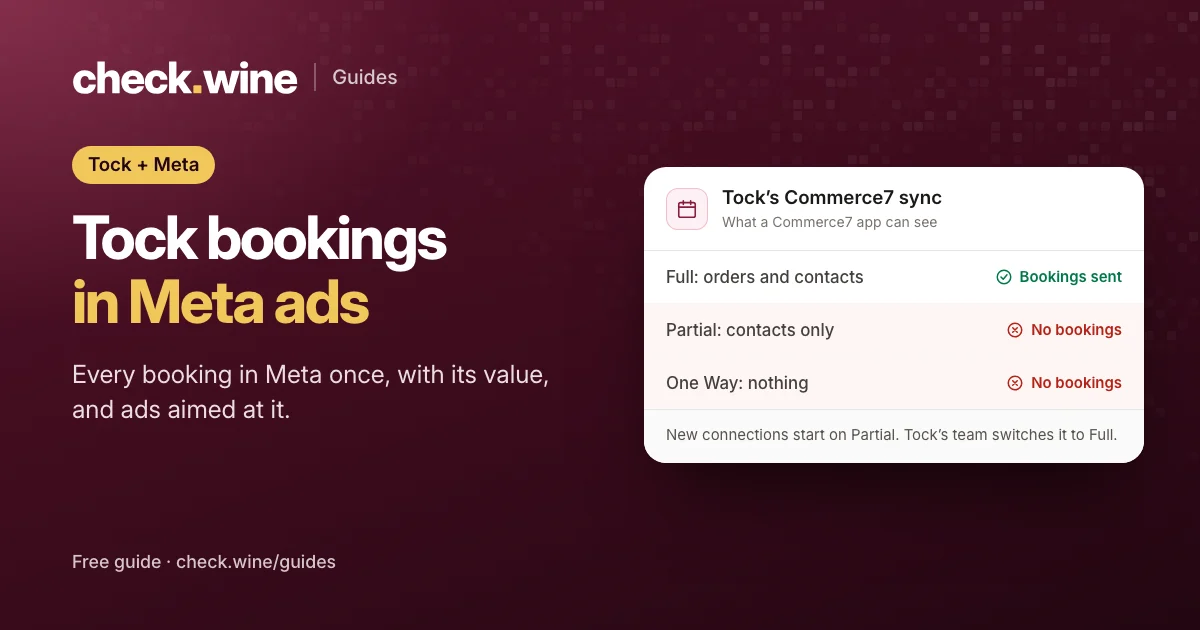 Guide
Guide
Tock reservations in Meta ads
How Tock bookings reach Meta: Tock’s own pixel, or Commerce7 Full sync and the Conversions API. Avoid double counting and optimize your ads for bookings.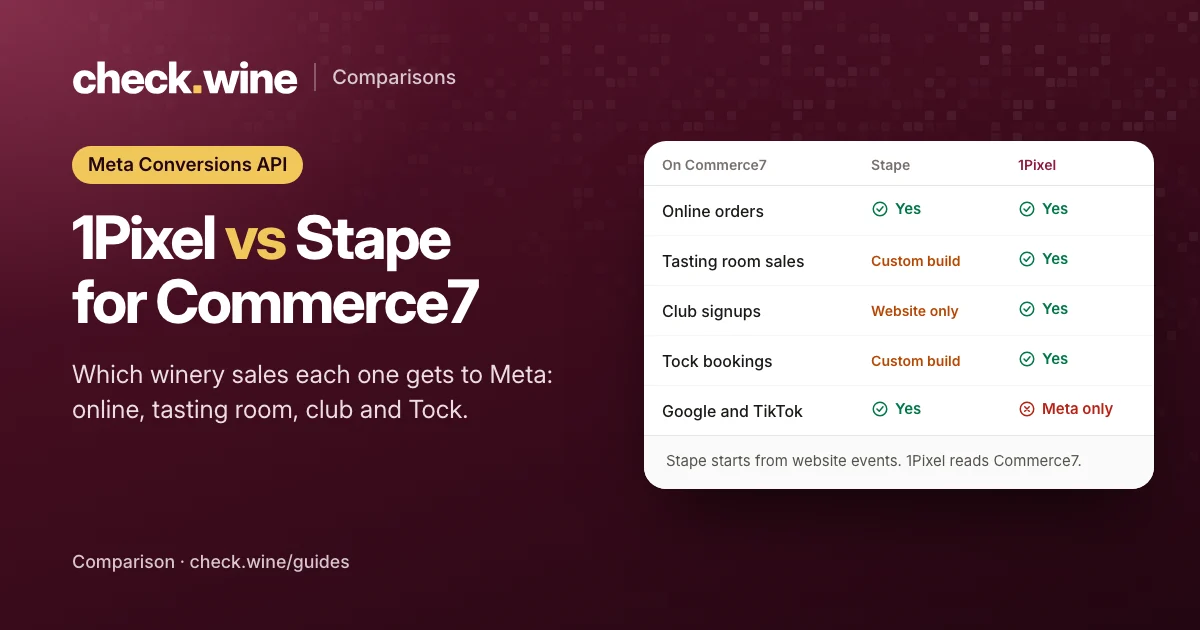 Comparison