Tracking Tock reservations in Meta ads, with Commerce7
Tasting bookings on Tock happen on Tock’s pages, so your website’s Meta pixel never sees them. Here are the two ways to get them into Meta, the Tock setting that decides whether the better one works, and how to aim ads at bookings.
 By Dumitru C., 7Labs
Published
4 min read
By Dumitru C., 7Labs
Published
4 min read
Two ways a Tock booking reaches Meta
Tastings booked on Tock happen on Tock’s pages, not yours, so your website’s Meta pixel never sees them. There are two ways to get them into Meta:
| Tock’s own Meta Pixel setting | Commerce7 Full sync and the Conversions API | |
|---|---|---|
| Where it runs | In the guest’s browser, on Tock’s booking pages | On a server, from the order Tock creates in Commerce7 |
| Blocked by ad blockers and Safari | Often | No |
| Booking value | Depends on Tock’s setup | Yes, from the Commerce7 order |
| Needs | Your Pixel ID entered in Tock | Tock on Full sync, and a Conversions API app or developer |
Pick one. With both on, every booking reaches Meta twice, with nothing to tell Meta they are the same booking.
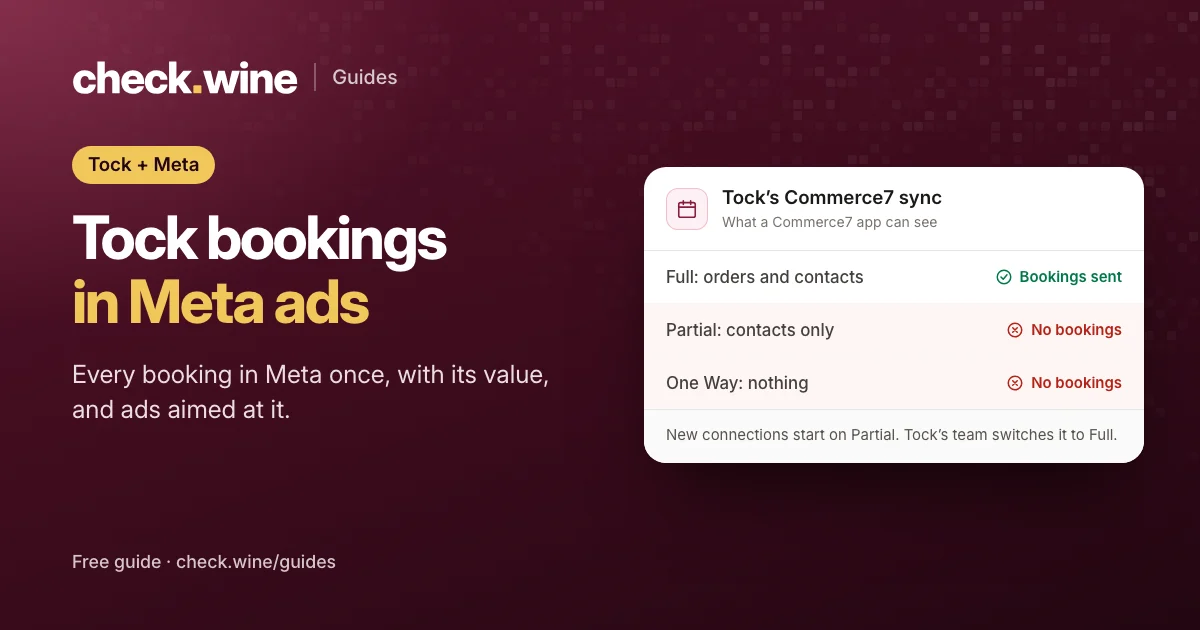
Tock’s Commerce7 sync: Full, Partial or One Way
The server route only works if each booking creates an order in Commerce7, and only one of Tock’s three connection levels does that:
| Tock connection | What syncs into Commerce7 | Bookings visible to a Commerce7 app |
|---|---|---|
| Full | Orders and contacts | Yes |
| Partial | Contacts only | No |
| One Way | Nothing | No |
New and reconnected connections start on Partial, so many wineries are on Partial without knowing it. Commerce7 can’t change this and neither can an app: Tock’s team switches it. Email [email protected] and ask for Full Integration on your Tock and Commerce7 connection. The first full sync can take up to 48 hours.
To see which one you have, make a test booking on Tock, wait a few minutes, and look in Commerce7’s orders. A new order from Tock means Full.
Setting up the server route
- Get Tock on Full sync, as above.
- Remove your Meta Pixel ID from the Tock Dashboard’s marketing or integration settings, so Tock’s pages stop sending their own events.
- Connect a Conversions API app that recognizes Tock orders. 1Pixel, which we make, spots them by the Tock vendor marker Commerce7 puts on each order and labels them as Tock bookings in its Event Log. Other apps are compared in Meta Conversions API for Commerce7.
- Decide what Meta should call a booking (next section).
- Make a test booking and check it arrives in Events Manager with its value.
Bookings older than a few days that sync late, for example after a reconnection, shouldn’t be sent as new events. Meta would count an old booking as a new result.
Lead, Purchase or a custom event?
| Send bookings as | Good for | Watch out for |
|---|---|---|
| Lead | Ads aimed at bookings, working straight away | Mixes with any other leads, such as newsletter signups |
A custom event such as TockBooking | Bookings reported under their own name | Ads can’t optimize for it until you create a custom conversion |
| Purchase | Booking revenue counted with wine sales | Ads optimizing for wine sales start chasing tastings, and the other way round |
Most wineries running ads for tastings want bookings separate from wine sales, so Lead or a custom event.
Optimizing ads for a custom Tock event
Meta only optimizes for its standard events or for a custom conversion, so a custom event name needs a one-time setup:
- Have your app send the custom name, and include the Tock booking page address with each event, such as
https://www.exploretock.com/your-winery. Meta requires a rule on every custom conversion, and a rule can only match events that carry a web address. - Wait until Meta has received at least one booking under the new name.
- In Events Manager, open Custom conversions and click Create custom conversion.
- Pick your pixel as the data source, Website as the action source and your Tock event as the conversion event.
- Add the rule URL contains
exploretock.com. - Leave the conversion value empty if your events already carry each booking’s real value.
The custom conversion counts bookings from the moment you create it. Choose it as the conversion event in your ad sets, and add it as a column in Ads Manager to report on it.
Testing and common problems
- No bookings in Meta at all. Usually Tock is on Partial, or the app has Tock tracking switched off.
- Every booking counted twice. Tock’s own Pixel ID is still set and an app sends the same bookings.
- Bookings arrive but ads can’t optimize for them. A custom event name with no custom conversion.
- The custom conversion stays at zero. The events carry no web address for the URL rule to match.
The connection itself is made with Tock’s own Commerce7 app, the most installed app in the Commerce7 App Store, with more than 500 installs. For the Meta tags on your own website, run a free check.wine check.
Questions
Can I add my Meta pixel to Tock?
Yes, Tock has a setting for a Meta Pixel ID on its booking pages. It runs in the guest’s browser, so ad blockers and Safari can stop it, and it shouldn’t be combined with an app that sends the same bookings from the server.
Why don’t my Tock bookings show up in Commerce7?
Your Tock connection is probably on Partial, which syncs contacts but not orders. Ask Tock support at [email protected] to switch it to Full.
Should Tock bookings count as purchases in Meta?
Usually not. Sending them as Lead or a custom event keeps ads optimizing for wine sales separate from ads optimizing for tastings.
Do Tock cancellations come off Meta’s numbers?
No. Meta’s Conversions API can’t take an event back, so a cancelled booking stays counted.
Read next
All guides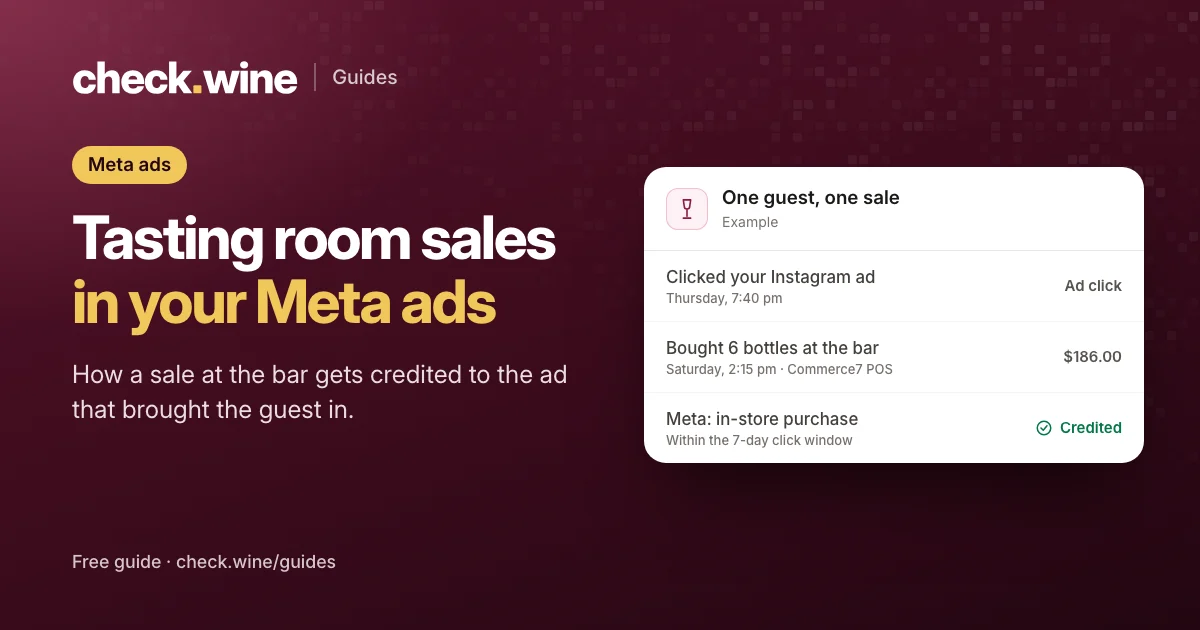 Guide
Guide
Tasting room sales in Meta ads
Meta can credit tasting room sales to your ads when each POS order reaches it as an in-store purchase. How it works on Commerce7, and how to report it.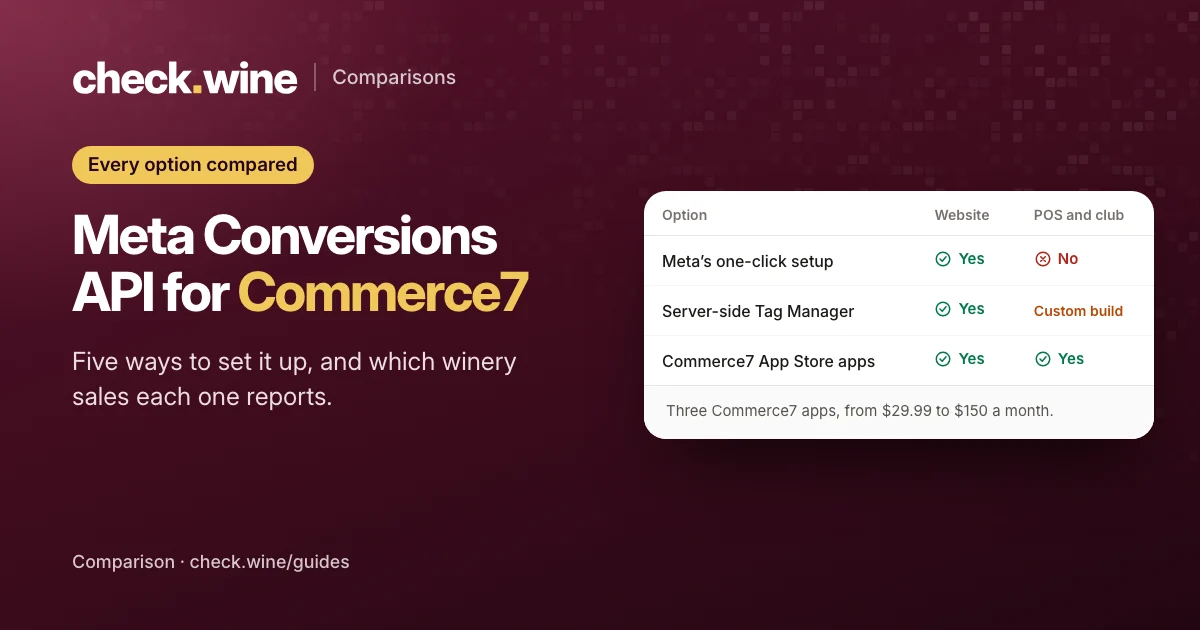 Comparison
Commerce7 Conversions API options
Five ways to send Commerce7 sales to Meta’s Conversions API: three App Store apps, Meta’s free setup and server-side Tag Manager. What each covers and costs. Guide
Guide