Google Shopping for wineries: free listings and a Commerce7 product feed
Google shows wines with their price and stock in its shopping results, often for free. A Commerce7 winery needs a Merchant Center account, a product feed and wine pages that agree with it. Here is what Google allows, what it needs, and which apps build the feed.
 By Dumitru C., 7Labs
Published
4 min read
By Dumitru C., 7Labs
Published
4 min read
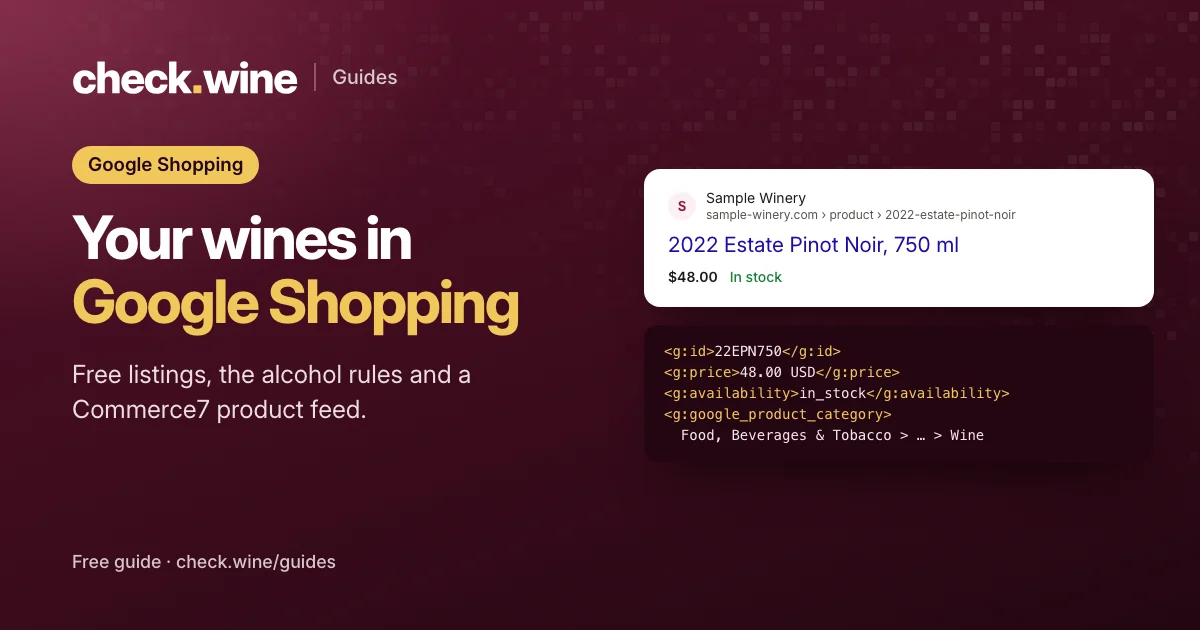
Can a winery sell on Google Shopping?
Yes, in the United States, with limits. Google’s Merchant Center policy lists wine among restricted alcoholic beverages and the US as a country where alcohol is allowed with limitations. In practice:
- Listings must not target anyone under 18, or under the local legal drinking age where it is higher.
- They may only target places where alcohol listings are allowed, and you must follow the laws of each place you target.
- You can only promise shipping to states you can legally ship to. Set that in Merchant Center’s shipping settings, not only on your site.
Within those rules, wines can appear for free in Google’s shopping results (free listings), in paid Shopping ads, and with local inventory, as in stock at your tasting room.
What Google needs for each wine
Google reads your wines from a product feed in Merchant Center. Each wine needs:
id: a stable ID, usually the variant SKU. Keep it the same forever.title: the wine as people search for it, such as “2022 Estate Pinot Noir, Santa Rita Hills, 750 ml”.description,linkandimage_link: the tasting note, the wine’s own page and a clear bottle photo.priceandavailability: matching the wine page exactly.brand, plusgtinif the bottle has a barcode.google_product_category: Food, Beverages & Tobacco > Beverages > Alcoholic Beverages > Wine.
Two Commerce7 details matter. Allocation-only and club-only wines shouldn’t go in the feed, because a shopper can’t buy them. And Google checks the price and stock on the wine page against the feed: when they disagree, the wine is disapproved. Product schema on the wine page, in the HTML itself, lets Google read the right values. The wine product schema guide covers it.
Setting it up
- Create a Google Merchant Center account for the winery, and verify and claim your website.
- Fill in the business details, return policy and shipping settings, with shipping limited to the states you serve.
- Add a product feed. Most Commerce7 wineries get one from an App Store app, compared below, or have a developer build it from the Commerce7 API.
- Turn on free listings and, if you advertise, link Google Ads.
- Fix what Merchant Center flags under Products, usually missing images, price mismatches and missing identifiers.
- Optional: connect your Google Business Profile and add a local inventory feed, so wines show as in stock at the tasting room.
Commerce7 feed apps compared
Four Commerce7 App Store apps build a Google feed from your Commerce7 products. All four also build feeds for other channels:
- Shopping Feed, by Highway 29 Creative. $25 a month, 51 installs. Its listing describes a live, formatted list of your inventory for Google Shopping, Facebook, Vivino and Wine-Searcher.
- Shopping Feed Pro, by 5forests and URSA6. $10 to $20 a month by Commerce7 plan, 7 installs. Its listing describes feeds for Google, Meta, Wine-Searcher and Vivino with wine name templates, custom labels, per-product overrides and inventory-aware local pickup feeds.
- AI SEO Search Optimizer and Product Feeds, by Gorilion. $30 a month, 20 installs. Feeds for Google, Vivino and Facebook, alongside product metadata, schema and a product sitemap.
- AI Visibility & Shopping Feed, by 7Labs. Ours. From $29.99/mo on Basic and Pro, $39.99/mo on Experience and Enterprise, 2 installs. Google, Meta catalog, local inventory, Wine-Searcher and Vivino feeds rebuilt every hour, plus wine content that ChatGPT and other AI assistants can read.
Install counts are the numbers Commerce7 published on the date checked. If all you need is a Google feed, the cheaper apps do the job. Pay for more when you want per-wine control over titles, local inventory, or the AI side.
Use the same feed for your Meta catalog
The same wines can feed a Meta catalog for catalog ads and Instagram shopping placements. Keep the IDs identical across Google, Meta and your tracking: the variant SKU as the item ID and the Commerce7 product ID as the group ID. Then a wine view or purchase that reaches Meta matches the right catalog item. The Commerce7 Meta pixel guide covers the events side.
Check your wines are eligible
- Search Google Shopping for one of your wines by name, from a US location.
- In Merchant Center, open Products and sort by issues.
- Open a wine page’s source and check that the price and stock in the Product schema match the feed.
- Run a free check.wine check. It flags wine pages without the product data Google reads.
Questions
Are Google free listings allowed for wine?
In the United States, yes, with Google’s alcohol limits: no targeting of anyone under the legal drinking age and only locations where alcohol listings are allowed.
How do Commerce7 wineries get a Google Shopping feed?
Most use one of the feed apps in the Commerce7 App Store, which rebuild the feed from your Commerce7 products on a schedule. A developer can also build one from the Commerce7 API.
Why does Merchant Center disapprove my wines?
Most often the price or stock on the wine page doesn’t match the feed, the image is missing or too small, or the wine ships to states you can’t serve. Product schema in the page HTML helps Google read the right price.
Should club-only and allocation wines be in the feed?
No. Shoppers can’t buy them, so they lead to disapprovals and wasted clicks.
Sources
- Google Merchant Center: Alcoholic beverages policy
- Google Merchant Center: Product data specification
- Shopping Feed (Highway 29 Creative) in the Commerce7 App Store
- Shopping Feed Pro (5forests and URSA6) in the Commerce7 App Store
- Gorilion’s app in the Commerce7 App Store
- AI Visibility & Shopping Feed in the Commerce7 App Store
Read next
All guides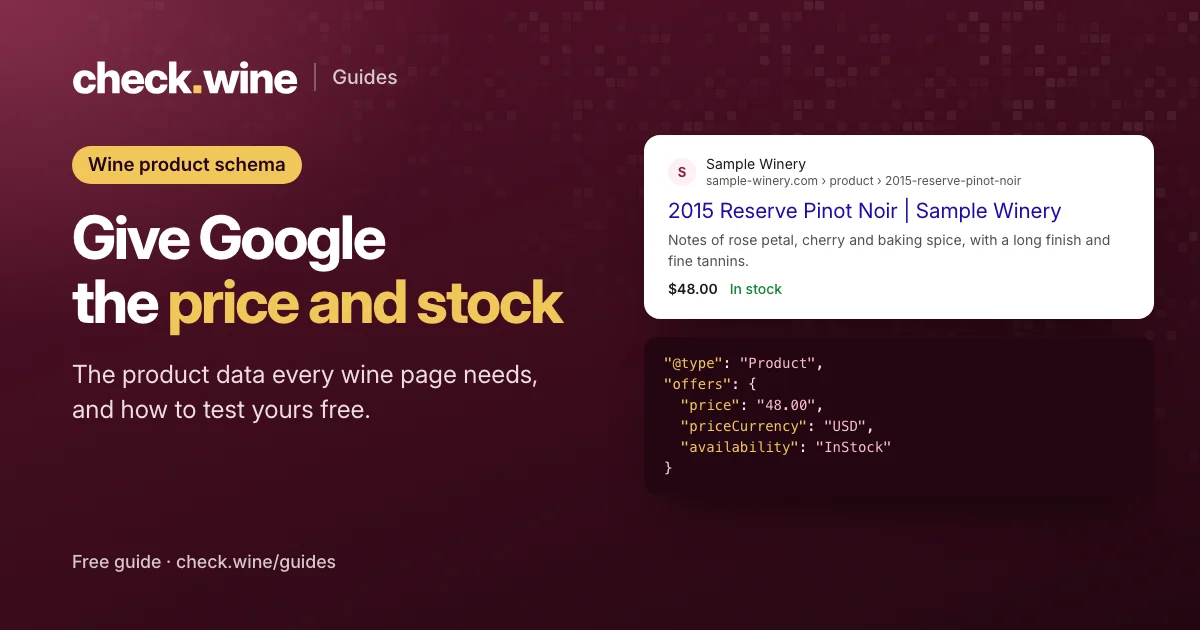 Guide
Guide
Wine product schema for Google
Product structured data for wine pages: the fields Google needs (price, currency, availability), a JSON-LD example, Commerce7 pitfalls and free ways to test it.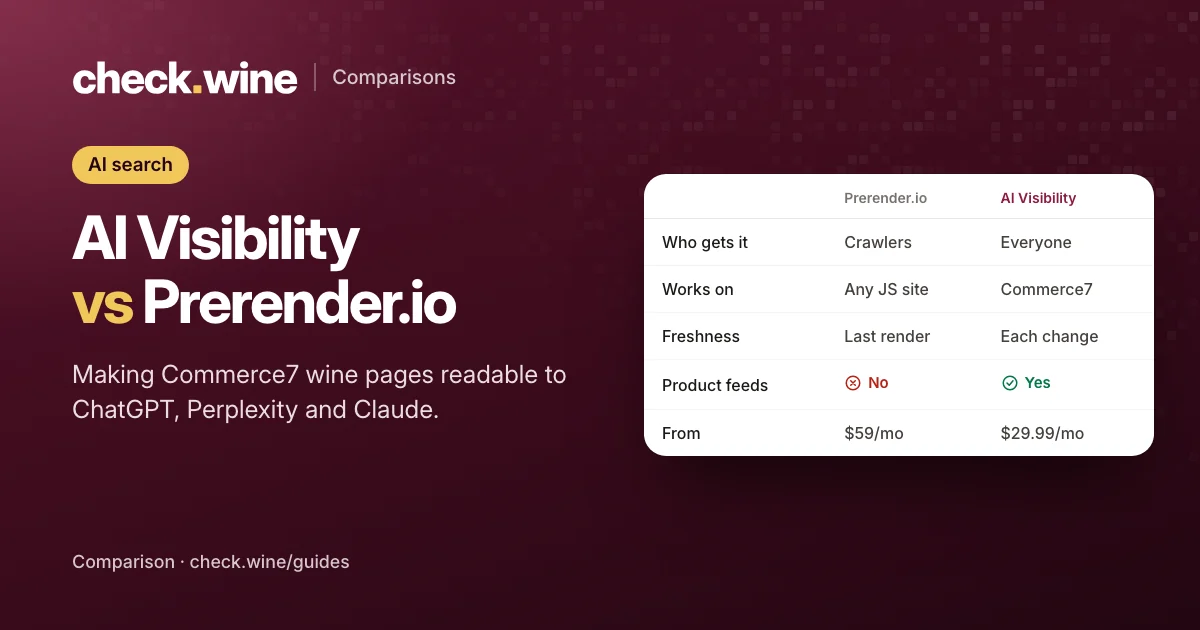 Comparison
AI Visibility vs Prerender.io
Prerender.io, Gorilion’s AI SEO app and AI Visibility all help crawlers read Commerce7 wine pages. How they work, who gets the content, and what each costs.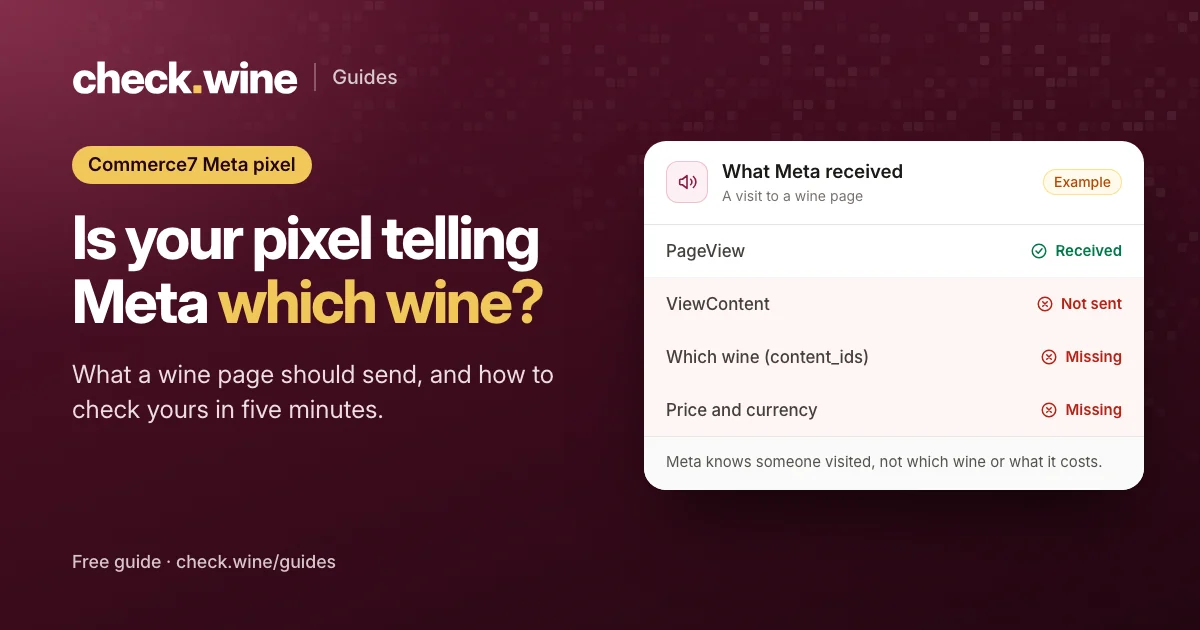 Guide
Guide