Wine product schema: give Google the price and stock of every wine
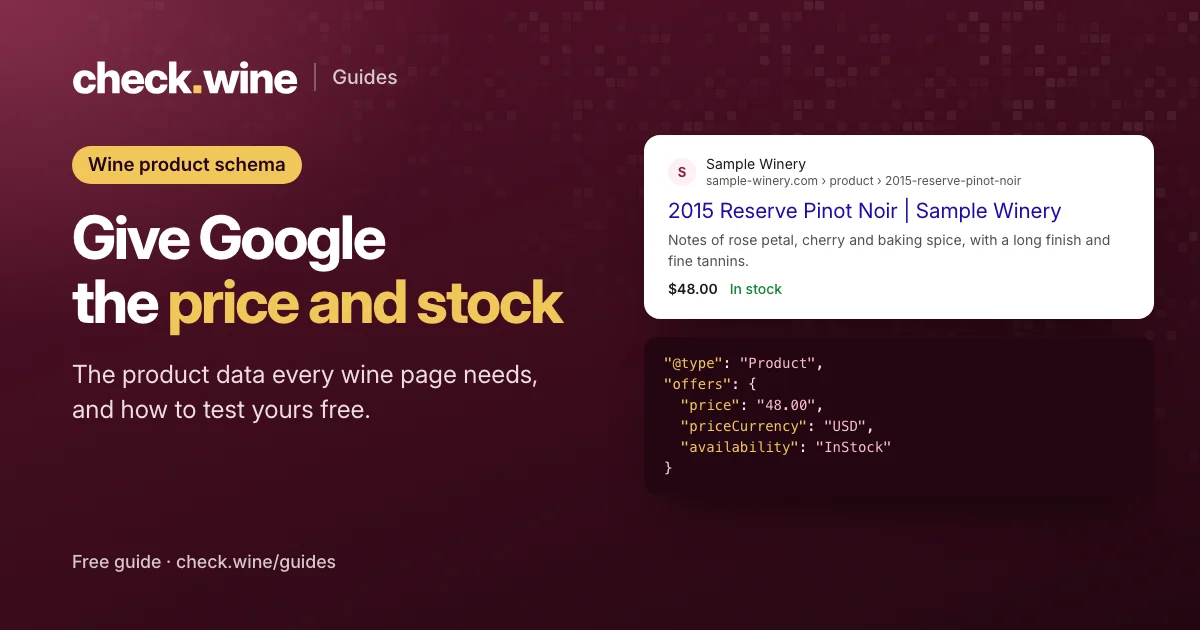
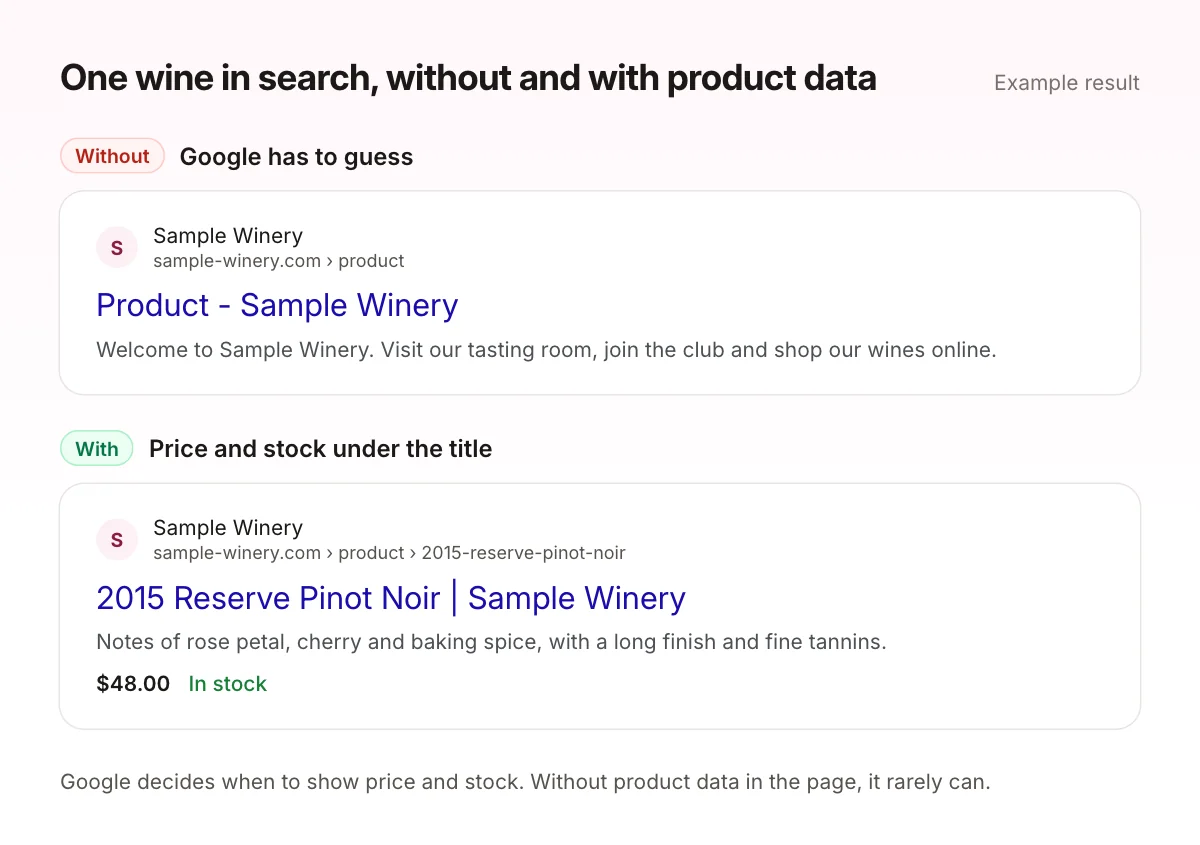
Product structured data is a short block of code that tells Google a page sells a wine, what it costs and whether it is in stock. Without it Google has to guess, and your wines can miss the price and availability shown in search results and free product listings.
 By Dumitru C., 7Labs
Updated
4 min read
By Dumitru C., 7Labs
Updated
4 min read
What product schema is
Product schema is JSON-LD: a small script block in the page that search engines read and visitors never see. Google’s product structured data documentation lists every field. For a wine page, these are the ones that matter:
| Field | What to put in it | Why it matters |
|---|---|---|
name | The wine with its vintage | It should match what people search for |
image | The bottle photo, as a full https address | Shown in results and free listings |
description | The first lines of your tasting notes | Context for search and AI answers |
sku | Your Commerce7 SKU | Ties the page to your product feeds |
brand | Your winery’s name | Groups your wines together |
offers.price and offers.priceCurrency | 48.00 and USD | The price shown under your result |
offers.availability | https://schema.org/InStock or OutOfStock | Must match what the page says |
An example for one wine
This is a complete block for a single wine. The values are examples: yours come from the wine itself.
<script type="application/ld+json">
{
  "@context": "https://schema.org",
  "@type": "Product",
  "name": "2015 Reserve Pinot Noir",
  "image": "https://sample-winery.com/images/2015-reserve-pinot-noir.png",
  "description": "Notes of rose petal, cherry and baking spice, with a long finish.",
  "sku": "15RPN750",
  "brand": { "@type": "Brand", "name": "Sample Winery" },
  "offers": {
    "@type": "Offer",
    "url": "https://sample-winery.com/product/2015-reserve-pinot-noir",
    "price": "48.00",
    "priceCurrency": "USD",
    "availability": "https://schema.org/InStock"
  }
}
</script>
One block per wine page, describing that wine only. Don’t mark up a list page as if it were one product.
The Commerce7 catch
A Commerce7 wine page is usually a template that Commerce7 fills in with JavaScript after the page loads. When product data exists at all, it is often added the same way. Google can run JavaScript, but it does so later and less reliably than reading the HTML, and AI search crawlers such as ChatGPT’s and Perplexity’s read only the HTML. Product data that is in the HTML from the start is the safer setup.
The other gaps we see most:
- No product data at all on the wine pages.
- Product data without price, currency or availability, the fields Google Shopping needs most.
- A sold-out wine still marked InStock. Google Merchant Center can disapprove listings when the page and the data disagree.
- Broken JSON. One missing comma, and Google ignores the whole block.
- Wine pages missing from the sitemap, or blocked in robots.txt, so Google has to find them on its own, or can’t.
How to test your wine product schema
- Paste a wine page into Google’s Rich Results Test. Under the detected items, open Product snippets or Merchant listings and check the price and availability.
- Test your sold-out wine the same way. Availability should say OutOfStock.
- For a plain syntax check, use the Schema Markup Validator.
- To see what HTML-only crawlers get, open View Page Source and search for
application/ld+json. If the block isn’t there, it only exists after JavaScript runs. - Once Google has crawled your wines, the Product snippets and Merchant listings reports in Google Search Console show problems across every wine page at once.
Schema and product feeds work together
Schema describes each wine on its own page. A product feed sends all your wines, prices and stock to Google Merchant Center in one file, on a schedule. Google uses both, and it checks that they agree with the page. If you sell through free listings or Shopping ads, keep the page, the schema and the feed showing the same price and stock.
How to fix it
- WordPress sites: the free Winery Integration plugin adds product data with the price and stock to every wine page, along with its own title and preview.
- Feeds: AI Visibility & Shopping Feed sends your wines, prices and stock from Commerce7 to Google Merchant Center, Meta, Wine-Searcher and Vivino every hour.
- Have it fixed: the site health fix ($300, fixed price) covers broken wine pages and photos, robots.txt and indexing, and the price and stock data Google reads.
Product data is one part of a wider check. The winery website audit checklist covers the rest, and the free check runs it on your site in a few minutes.
Read next
All guides Guide
Guide
Tock reservations in Meta ads
How Tock bookings reach Meta: Tock’s own pixel, or Commerce7 Full sync and the Conversions API. Avoid double counting and optimize your ads for bookings. Guide
Guide
Google Shopping for Commerce7 wineries
How a Commerce7 winery gets its wines into Google’s free listings and Shopping ads: the alcohol rules, the feed fields that matter and four feed apps compared.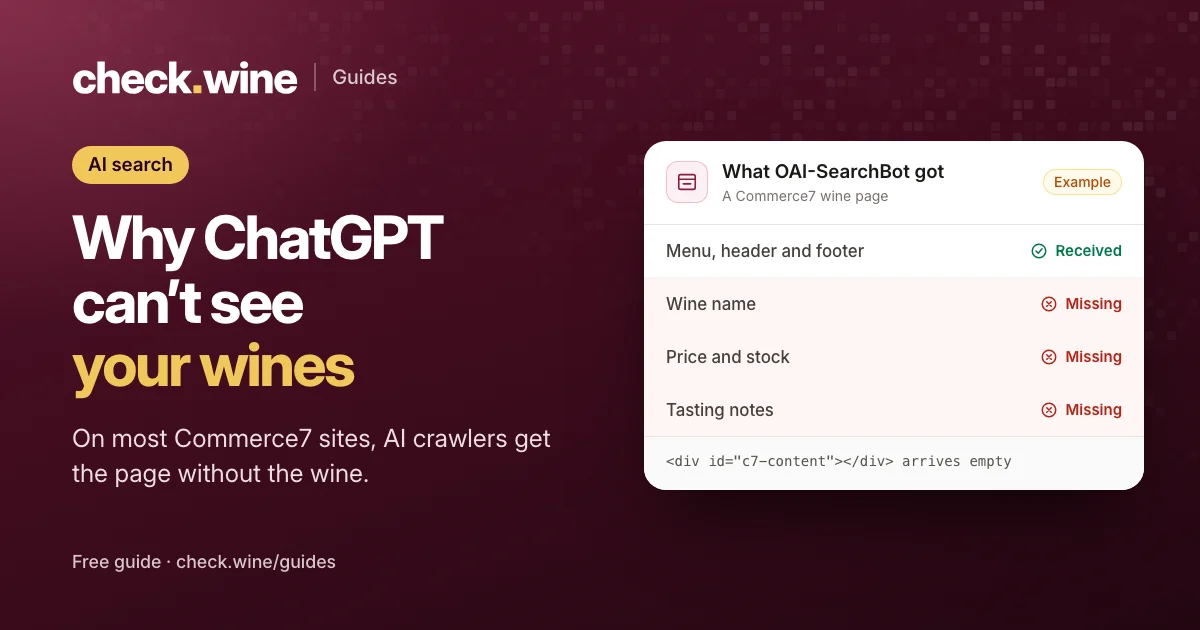 Guide
Guide