Commerce7 WordPress plugins compared: Commerce7 for WordPress and 7Labs Winery Integration
Two free plugins connect Commerce7 to a WordPress site. One has been the default since 2019; the other is ours and arrived in 2026. Here is what each does, where they differ, and how to move between them without breaking your shop.
 By Dumitru C., 7Labs
Published
4 min read
By Dumitru C., 7Labs
Published
4 min read
We make 1Pixel, AI Visibility & Shopping Feed and the 7Labs Winery Integration plugin, so weigh what we say about them accordingly. Details about other products come from their public pages and listings, checked on October 17, 2026. Prices and features change, so confirm on each vendor’s own site. Product names belong to their owners, and check.wine is not affiliated with them or with Commerce7.
What a Commerce7 plugin does
Commerce7 runs your shop, club and reservations, but it doesn’t host your website. On WordPress, a plugin connects the two: it loads Commerce7’s script, creates the pages Commerce7 expects (shop, wine, cart, checkout, account, club), handles the addresses Commerce7 links to, and gives you Commerce7’s widgets as blocks or page builder elements. Two free plugins on WordPress.org do this.
Commerce7 for WordPress
Commerce7 for WordPress, often called wp-commerce7 after its folder name, is by Michael Bourne and has been on WordPress.org since 2019. It is the plugin Commerce7’s own documentation points to, with more than 1,000 active installs. Its listing describes:
- Automatic creation of the Commerce7 pages and the redirects deep links need
- Commerce7 widgets as shortcodes, block editor blocks (14 of them) and page builder elements
- Support for the block editor, Elementor, Beaver Builder, WPBakery and Cornerstone
- An optional product reviews embed with star ratings and review schema
- Canonical handling for wine and collection pages with Yoast, Rank Math, SEOPress and All in One SEO, per its recent changelog
If your site was built by an agency in the last few years, there is a good chance it runs this plugin.
7Labs Winery Integration
7Labs Winery Integration for Commerce7 and Tock is ours, approved on WordPress.org in September 2026, so it is new and has few installs so far. It covers the same ground and adds:
- Tock. A booking widget and a “Book on Tock” button as blocks, Elementor widgets and shortcodes, and any widget code from Tock’s builder. Booking clicks go to the
dataLayerfor Google Tag Manager. - Wine page SEO. Each wine page gets its own title, description, preview image and Product schema with price, stock, SKU and GTIN, working alone or with Yoast, Rank Math and All in One SEO. Cart, checkout and account pages are kept out of search.
- Speed plugin safety. Commerce7’s script is kept out of combining and delaying in WP Rocket, LiteSpeed Cache, SiteGround Speed Optimizer, Autoptimize and Cloudflare Rocket Loader, a common cause of a blank shop.
- Optional links to our apps. 1Pixel for Meta tracking, and AI Visibility & Shopping Feed, so wine pages carry the same ID, price and stock as your product feed. Both are paid Commerce7 apps and the plugin works without them.
It has 13 Commerce7 widgets as blocks and Elementor widgets. It supports the block editor and free Elementor; pages built with WPBakery and Beaver Builder on Commerce7 for WordPress keep rendering, while Cornerstone elements need replacing by hand.
Side by side
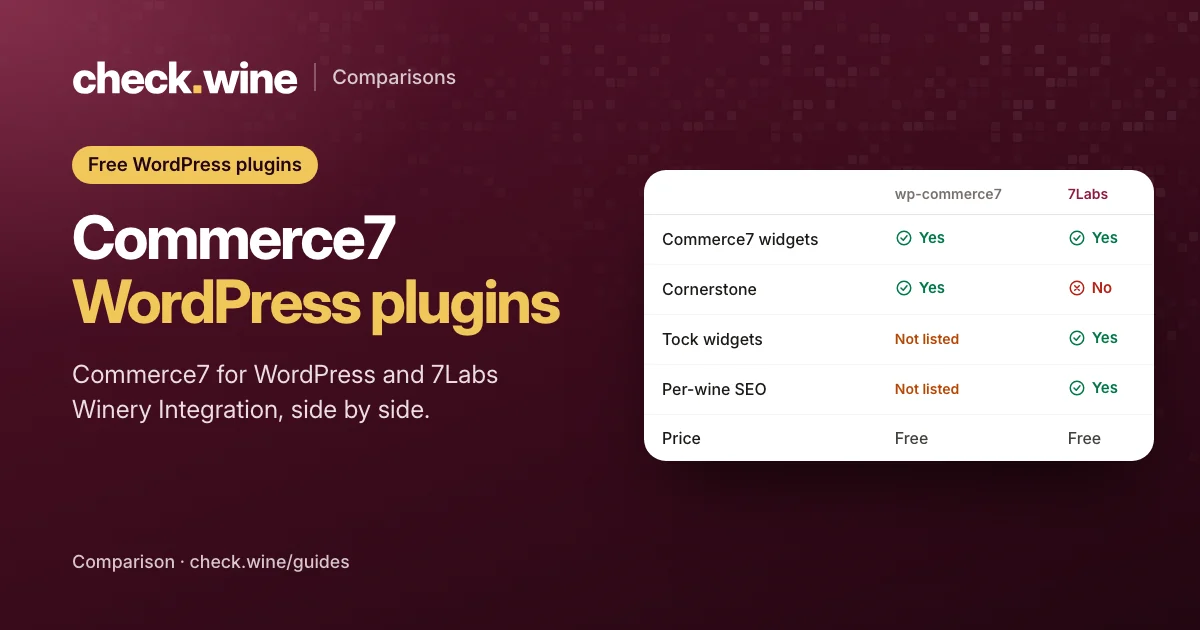
| Commerce7 for WordPress | 7Labs Winery Integration | |
|---|---|---|
| On WordPress.org since | 2019 | 2026 |
| Active installs | 1,000+ | Fewer than 10 |
| Commerce7 widgets | Shortcodes, 14 blocks, page builder elements | 13 as blocks and Elementor widgets |
| Page builders | Block editor, Elementor, Beaver Builder, WPBakery, Cornerstone | Block editor, Elementor; existing WPBakery and Beaver Builder content keeps working |
| Tock | Not in its listing | Booking widget, button, any Tock widget code |
| Per-wine title, description and preview image | Not described in its listing | Yes |
| Product schema | With the reviews embed | Price, stock, SKU and GTIN on every wine page |
| Reviews | Optional embed | No |
| Price | Free | Free |
The best test of SEO is your own wine page. Paste one into the Facebook Sharing Debugger or LinkedIn’s Post Inspector: if the preview says “Product” instead of the wine, see why shared wine links say Product.
Switching from one to the other
The 7Labs plugin reads Commerce7 for WordPress content: its shortcodes, blocks, Elementor widgets and the WPBakery and Beaver Builder elements, so existing pages keep working when you switch. Both can be active while you check, and its Switch plugins screen imports the old plugin’s settings.
- Back up the site.
- Install the 7Labs plugin with Commerce7 for WordPress still active.
- Import the settings from the Switch plugins screen.
- Check the shop, a wine page, the cart, checkout, the club page and login.
- Deactivate Commerce7 for WordPress and check again.
- Replace any Cornerstone elements by hand.
Going the other way is just as simple in principle: reinstall Commerce7 for WordPress and rebuild any Tock widgets with Tock’s own embed code.
Which one to use
- Stay on Commerce7 for WordPress if your site uses Cornerstone, if you rely on its reviews embed, or if your agency maintains the site and prefers it. It has the longer track record.
- Try 7Labs Winery Integration if you take bookings on Tock, if shared wine links show a generic preview, or if wine pages lack their own titles and product data.
Either way, run a free check.wine check before and after a change. It tests the link previews, product data, Meta and Google tags on your wine pages.
Questions
Is there an official Commerce7 WordPress plugin?
Commerce7’s documentation points to Commerce7 for WordPress, which is made by Michael Bourne rather than Commerce7 itself. 7Labs Winery Integration is also independent of Commerce7.
Can I use Commerce7 with Elementor?
Yes. Both plugins add Commerce7 widgets to Elementor, and the 7Labs plugin works with the free version of Elementor.
Can I run both plugins at once?
Yes, while you check a switch. The 7Labs plugin takes over once it is set up, and you can then deactivate Commerce7 for WordPress.
How do I add Tock to a WordPress winery site?
Paste Tock’s widget code into a custom HTML block, or use the Tock blocks and Elementor widgets in the 7Labs plugin, which load Tock’s script only on pages that need it.
Read next
All guides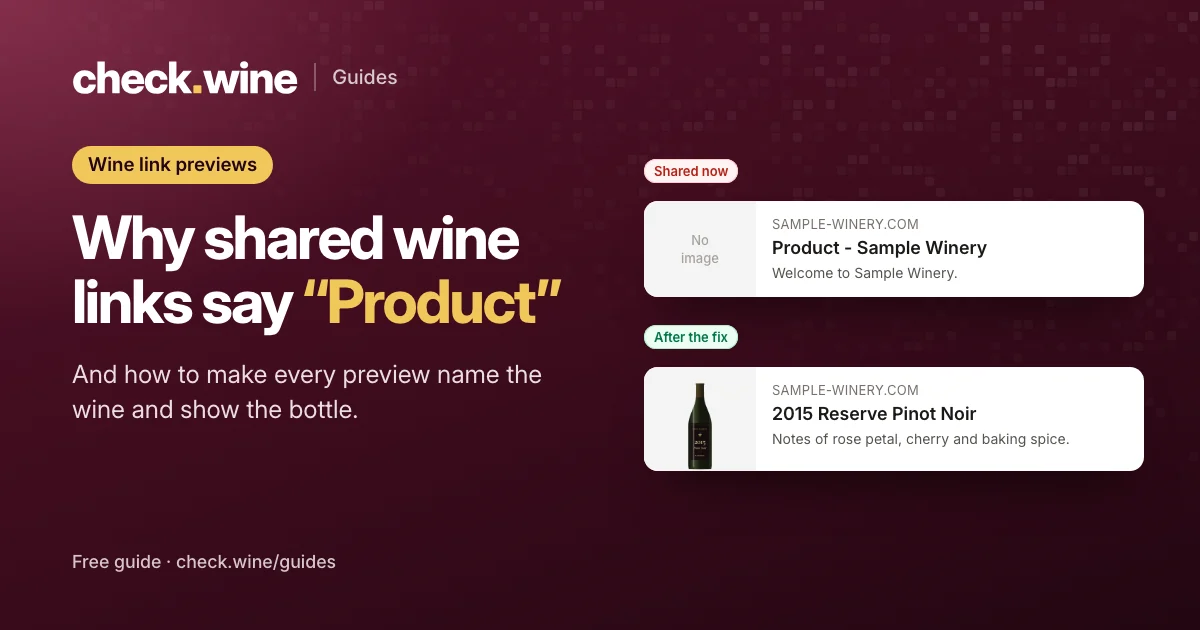 Guide
Guide
Why shared wine links say “Product”
Why a shared Commerce7 wine link shows "Product" and no photo on Facebook, LinkedIn and iMessage, how to test your link previews free, and how to fix them.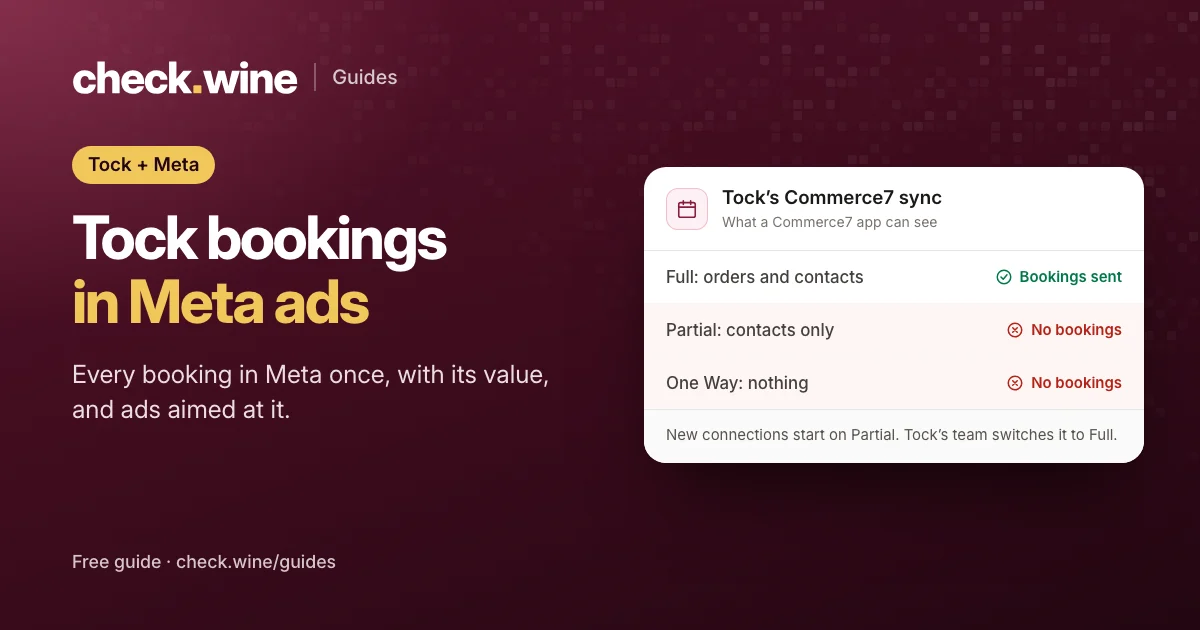 Guide
Guide
Tock reservations in Meta ads
How Tock bookings reach Meta: Tock’s own pixel, or Commerce7 Full sync and the Conversions API. Avoid double counting and optimize your ads for bookings. Guide
Guide