Why your shared wine links say “Product” instead of the wine
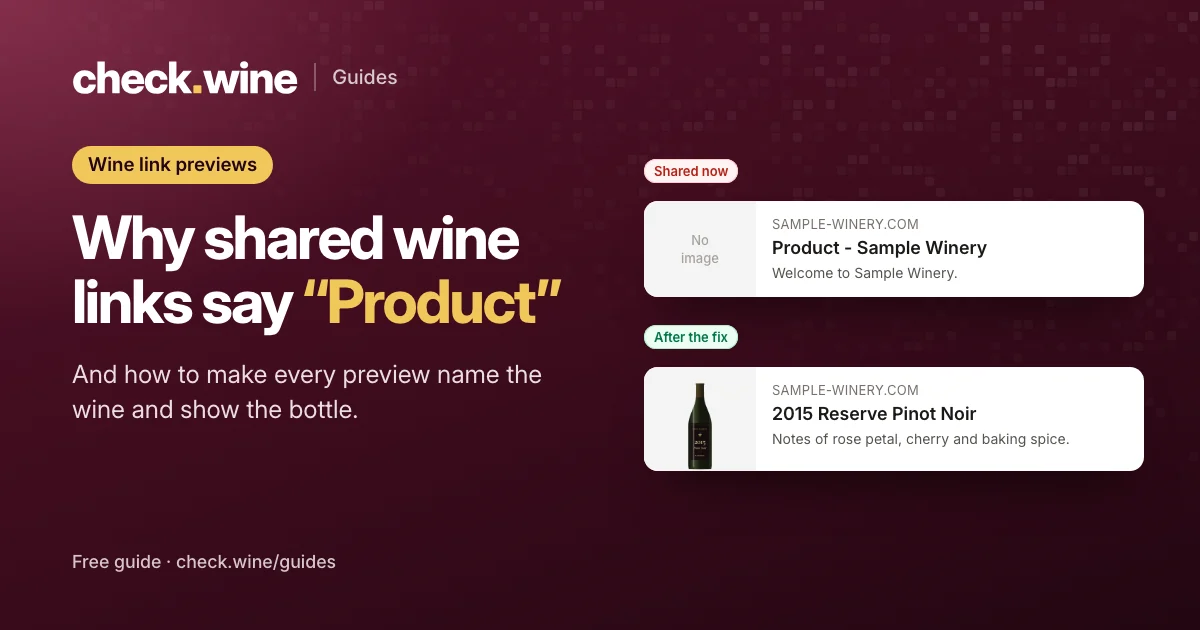
When someone shares one of your wines on Facebook, LinkedIn, iMessage or Slack, the preview should show the wine’s name and bottle. On many Commerce7 sites it says “Product - Your Winery” and has no photo. Here is why, how to check yours, and how to fix it.
 By Dumitru C., 7Labs
Updated
3 min read
By Dumitru C., 7Labs
Updated
3 min read
Why it happens
A link preview is built from a few tags in the page’s HTML: og:title, og:description, og:image and og:url. Facebook, LinkedIn, iMessage, WhatsApp, Slack and email apps read those tags from the page exactly as your server sends it. They don’t run JavaScript, and they don’t wait.
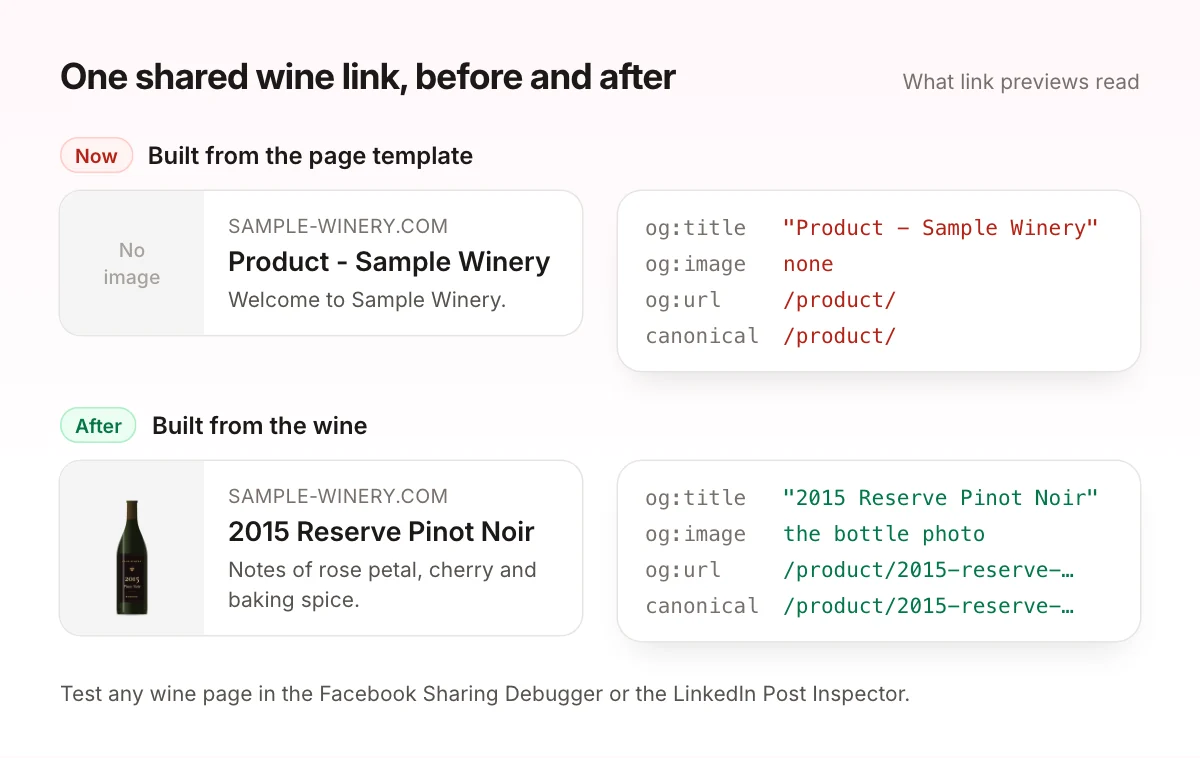
A Commerce7 wine page is usually one shared template. The server sends the template, and Commerce7’s JavaScript fills in the wine a moment later, in the visitor’s browser. So the HTML a link preview reads holds the template’s title, often something like “Product - Your Winery”, a generic image or none, and an og:url that points at /product/ instead of the wine.
The same template can mislead Google. If the page’s canonical tag points at /product/ rather than the wine’s own address, it tells Google that all your wine pages are one page, and Google may leave the rest out of search.
How to check your wine link previews
- Copy the address of one of your wine pages.
- Paste it into the Facebook Sharing Debugger and click Debug. Look at the preview, and at the
og:title,og:imageandog:urlit found. - Do the same in the LinkedIn Post Inspector.
- Open the page source (View Page Source, not Inspect) and search for
og:titleandrel="canonical". What you see there is what every platform sees.
If the title doesn’t name the wine, the image is missing, or the address ends in /product/, every share of that wine undersells it. That includes the links your own team posts and sends to club members.
What a good wine preview has
og:titlewith the wine’s name and vintage, for example “2015 Reserve Pinot Noir | Sample Winery”.og:descriptionwith a line from your tasting notes.og:imagewith the bottle or label photo, as a fullhttps://address.og:urlandrel="canonical"both set to the wine’s own address.
One honest limit: Commerce7 bottle photos are tall and narrow, so most platforms show them as a small thumbnail beside the text, not as a big banner. That is fine. The wine’s name is what earns the click.
After you change the tags, click Scrape Again in the Sharing Debugger. Facebook caches previews, so old shares can keep the old card until you do.
How to fix it
On WordPress
Our free plugin, 7Labs Winery Integration for Commerce7 and Tock, gives every wine page its own title, description, preview image and canonical address in the HTML, and adds product data with the price and stock. It works alongside Yoast, Rank Math and All in One SEO.
On other platforms
Outside WordPress, the tags have to come from whatever builds the page head. Our Commerce7 app AI Visibility & Shopping Feed can put each wine’s name, notes and photo into its page’s HTML, which fixes the preview and makes the wine readable for AI assistants at the same time.
Squarespace and Wix sites that use Commerce7’s hash addresses, like /product#/2015-reserve-pinot-noir, are the exception. The part after the # never reaches the server, so to a link preview every wine is the same page. No head tag can fix that. The wines need their own addresses first.
Or have it fixed
Wine page SEO & link previews is a $300 fixed-price fix. Each wine page gets its own title, description, photo and address in the page itself, checked with each platform’s own preview tools. If the issue still shows when we re-check, the fix is refunded.
Want to see your own preview first? The free check shows what a shared wine link looks like now, and how it would look after the fix.
Read next
All guides Guide
Guide
Tock reservations in Meta ads
How Tock bookings reach Meta: Tock’s own pixel, or Commerce7 Full sync and the Conversions API. Avoid double counting and optimize your ads for bookings. Guide
Guide
Google Shopping for Commerce7 wineries
How a Commerce7 winery gets its wines into Google’s free listings and Shopping ads: the alcohol rules, the feed fields that matter and four feed apps compared. Guide
Guide