Winery website audit checklist: 14 checks for Commerce7 sites
Most winery website audits look at design and speed. This one checks what happens after the visit: whether Meta and Google learn which wines people view and buy, and whether a shared link, a Google result or ChatGPT can show the wine. Every check comes with a free way to test it yourself.
 By Dumitru C., 7Labs
Updated
6 min read
By Dumitru C., 7Labs
Updated
6 min read
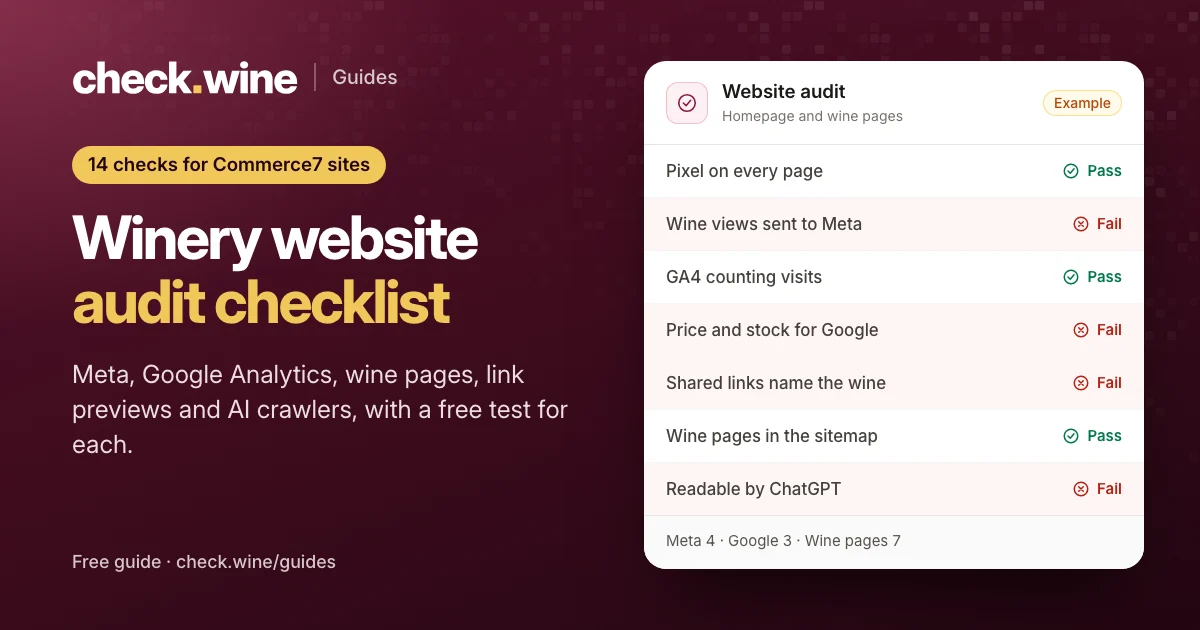
Run this audit once a quarter, after any site redesign, and before you raise your ad budget. You need a browser, about an hour, and access to your own Meta Events Manager and Google Analytics. Nothing here needs a developer to test, only to fix.
Before you start
- Pick two wine pages: your best seller, and a wine that is sold out or nearly so.
- Open them in a private window, so your own logins and cookies don't hide problems a first-time visitor would hit.
- If your site shows a cookie banner, run the tracking checks twice: once before you click anything, and once after you accept. Many tracking problems only show on one side of the banner.
- Keep notes as you go. The fix order at the end depends on what failed.
Meta: does Meta know which wines people view and buy?
Facebook and Instagram ads learn from the events your website sends to Meta. A pixel that only sends page views can count visitors, but it can't tell which wine they looked at, so Meta can't retarget them with that wine or build catalog ads. Full detail in the Commerce7 Meta pixel guide.
1. A pixel on every page, and it loads
Test: install the free Meta Pixel Helper extension for Chrome. Open your homepage, a wine page and the cart. Pass: each page shows your pixel ID and a PageView event.
2. One pixel, one page view
Test: in Pixel Helper, count the pixel IDs and the PageView events on each page. Pass: one ID and one PageView. Two IDs is often a leftover from an old agency or theme. Two PageViews usually means the pixel was installed twice, for example in the theme and again in Google Tag Manager. Both inflate your numbers and can mislead ad optimization.
While you are in Events Manager, open your dataset’s settings and look at Automatic events. When it is on, Meta guesses events from your page content, and on wine sites we have seen it report checkouts and purchases nobody made.
3. A product view on each wine page, with the wine and its price
Test: on a wine page, open Pixel Helper and expand the events. Pass: a ViewContent event with content_ids (the wine’s SKU), value and currency. This is the check most Commerce7 sites fail.
4. What changes after cookie consent
Test: load a page before touching the banner, then accept and reload. Pass: the pixel behaves the way you intended. If nothing reaches Meta until a visitor clicks Accept, Meta misses everyone who ignores the banner. Ask whoever set up the banner whether that was a deliberate choice for US visitors.
Google Analytics: can it tell which wines sell?
Google Analytics 4 can report views, carts and revenue per wine, but only if it receives ecommerce events. The Commerce7 Google Analytics 4 setup guide shows how to connect them.
5. Google Analytics 4 on the site and counting
Test: open GA4, go to Reports, then Realtime, and visit your site in another window. Pass: your visit shows within a minute or two. If you use Google Tag Manager, its Preview mode shows which tags fire on each page.
6. A product view on each wine page
Test: with Tag Assistant or GA4 DebugView open, visit a wine page. Pass: a view_item event arrives with the wine’s item_id and price. Commerce7 already puts this event on the page. It reaches GA4 only if a tag passes it on.
7. What changes after cookie consent
Test: the same before-and-after test as check 4. Pass: GA4 behaves the way you intended on both sides of the banner.
Your wine pages: do they work for shoppers, Google and AI assistants?
These checks decide whether a wine can show up with its price in Google, look right when someone shares it, and be read by ChatGPT, Perplexity and Claude when someone asks about your wines.
8. Wine pages and photos that load
Test: click through every wine linked from your shop page. Then open your sitemap (usually /sitemap.xml or /sitemap_index.xml) and spot-check the wine addresses in it. Pass: no “not found” pages and no broken bottle photos. A broken page or photo can get a wine rejected from Google Shopping and Meta catalogs.
9. Price and stock data Google can read
Test: paste a wine page into Google’s Rich Results Test. Pass: it finds a Product with an offer that has a price, a currency and availability. See the wine product schema guide.
10. Sold-out wines that still say “in stock”
Test: run your sold-out wine through the same tool. Pass: availability says OutOfStock. When the page says sold out but the data says InStock, Google Merchant Center can disapprove the listing.
11. What a shared wine link shows
Test: paste a wine page into the Facebook Sharing Debugger and the LinkedIn Post Inspector. Pass: the preview names the wine, not “Product” or your homepage title, and shows its photo. The link preview guide explains why Commerce7 pages often fail this one.
12. The page address each wine gives Google
Test: open the page source (View Page Source, not Inspect) and search for rel="canonical". Pass: it holds the wine’s own address. If every wine points to the same /product/ address, you are telling Google all your wine pages are one page.
13. Wines that ChatGPT, Perplexity and Claude can read
Test: in the same page source, search for the wine’s name. Pass: the name, notes and price are in the source. AI search crawlers read the HTML without running JavaScript, so if the wine only appears after scripts run, they see an empty page.
14. robots.txt and sitemap letting Google and AI search in
Test: open yoursite.com/robots.txt. Pass: nothing blocks your wine pages for Googlebot or for the AI search crawlers (OAI-SearchBot, PerplexityBot, Claude-SearchBot), and your sitemap lists the wine pages.
What to fix first
Most winery sites fail a few of these. Fix them in this order:
- Anything that loses a sale today: error pages, broken photos, sold-out wines marked in stock, wine pages blocked from Google.
- Tracking, if you run ads: a working pixel and GA4 ecommerce events. Every day without them, your ad spend optimizes on guesses.
- Link previews, product data and AI readability: they bring free traffic, and they compound over time.
| Checks failed | Do it yourself | Or have it fixed |
|---|---|---|
| 1, 3 (no pixel, no ViewContent) | Google Tag Manager tags from Commerce7’s events | Meta tracking install, free with 1Pixel ($29.99/mo) |
| 2, 4 (duplicates, consent) | Remove the extra install, review banner settings | Tracking cleanup, $200 |
| 5 to 7 (Google Analytics) | The GA4 setup guide above | Google measurement setup, $400 |
| 8 to 10, 14 (pages, data, robots) | Your site builder and SEO plugin | Site health fix, $300 |
| 11 to 13 (previews, address, AI) | The free Winery Integration plugin on WordPress | Wine page SEO & link previews, $300 |
Every fix is checked with the same scan when it is done. If an issue we fixed still shows, that fix is refunded. Or skip the manual hour: the free check runs all 14 checks on your homepage and wine pages in 1 to 3 minutes.
Read next
All guides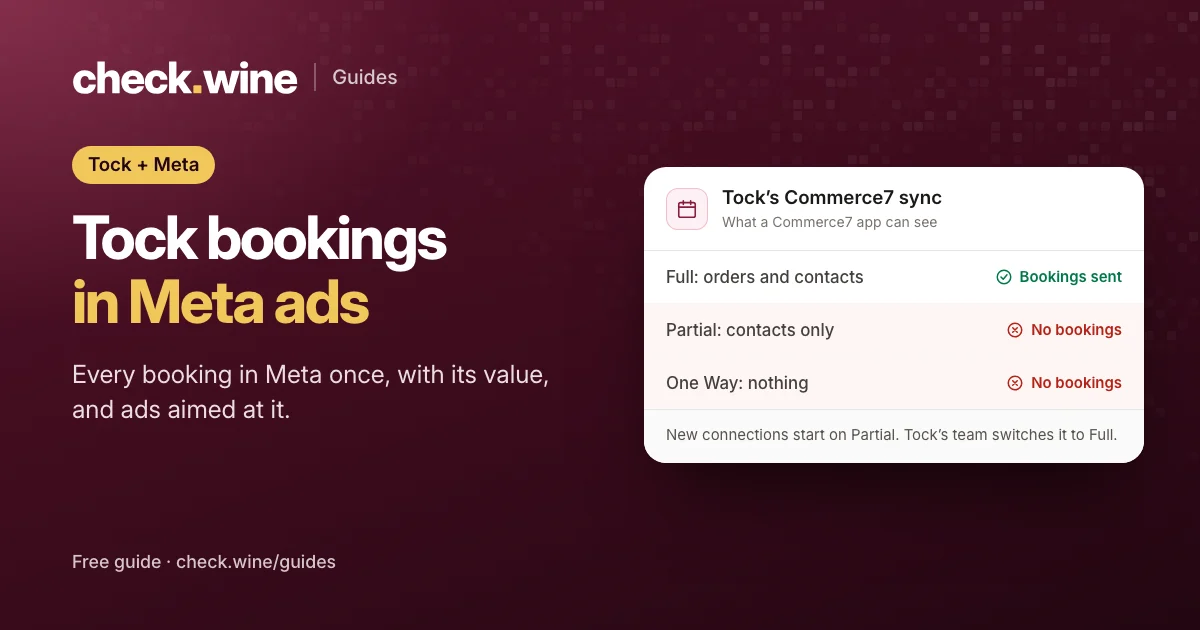 Guide
Guide
Tock reservations in Meta ads
How Tock bookings reach Meta: Tock’s own pixel, or Commerce7 Full sync and the Conversions API. Avoid double counting and optimize your ads for bookings.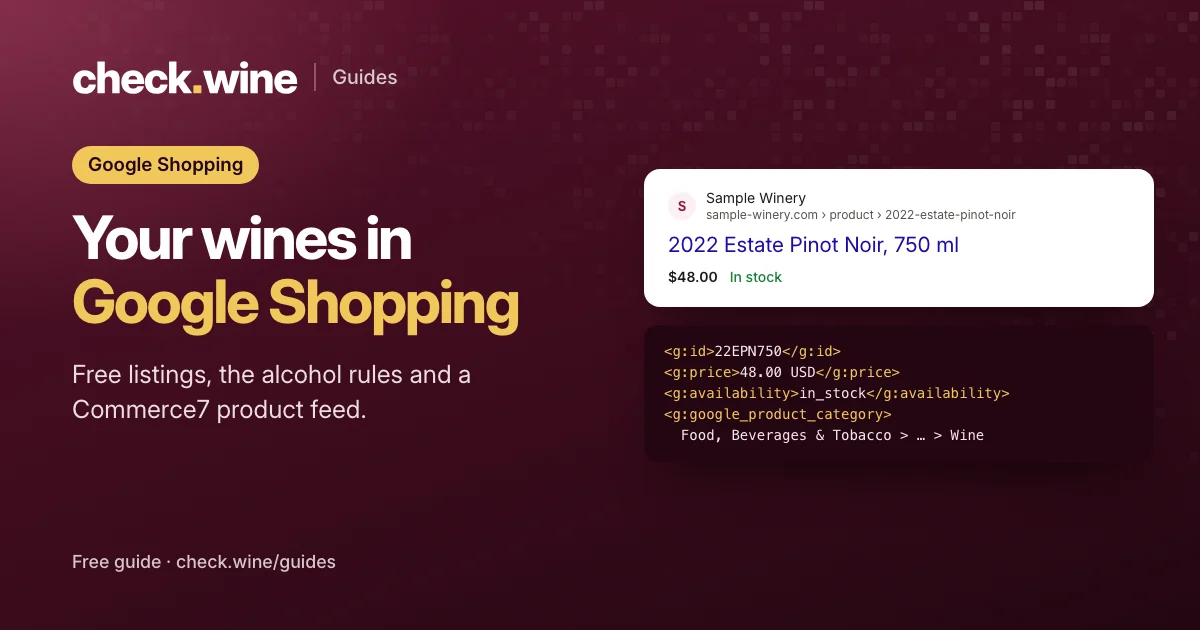 Guide
Guide
Google Shopping for Commerce7 wineries
How a Commerce7 winery gets its wines into Google’s free listings and Shopping ads: the alcohol rules, the feed fields that matter and four feed apps compared.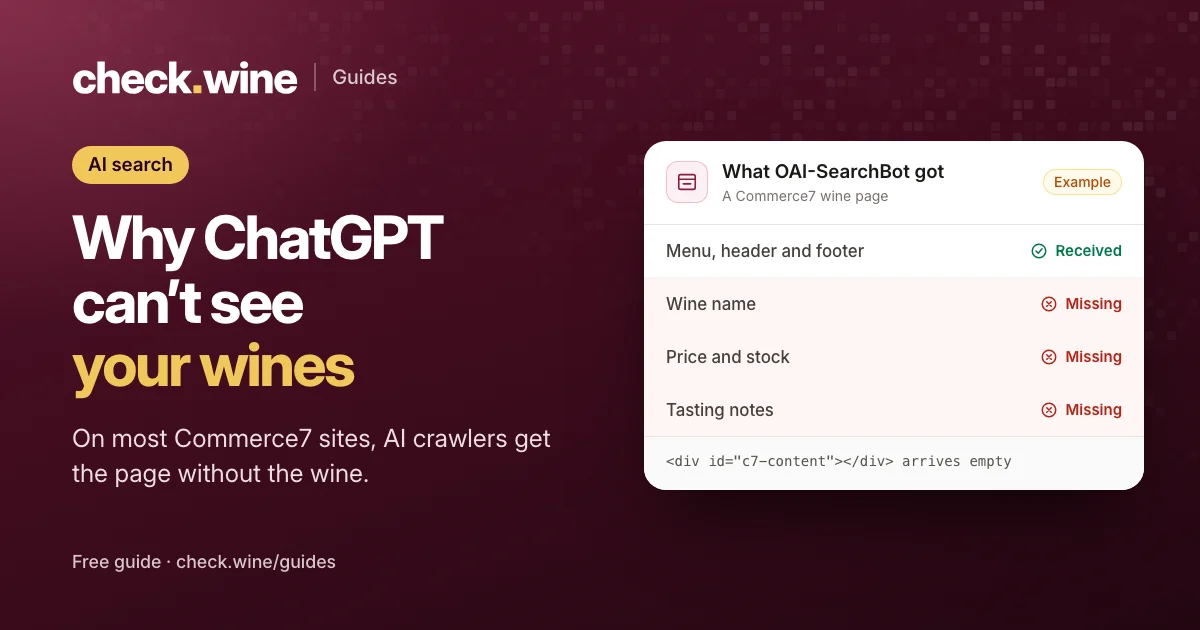 Guide
Guide