Moving from WineDirect to Commerce7: a tracking and SEO checklist
Commerce7 moves your customers, orders and club members. It doesn’t move your Google rankings, your tracking or your product feeds. This checklist covers what to save before you switch, what to rebuild, and what to test on launch day.
 By Dumitru C., 7Labs
Published
5 min read
By Dumitru C., 7Labs
Published
5 min read
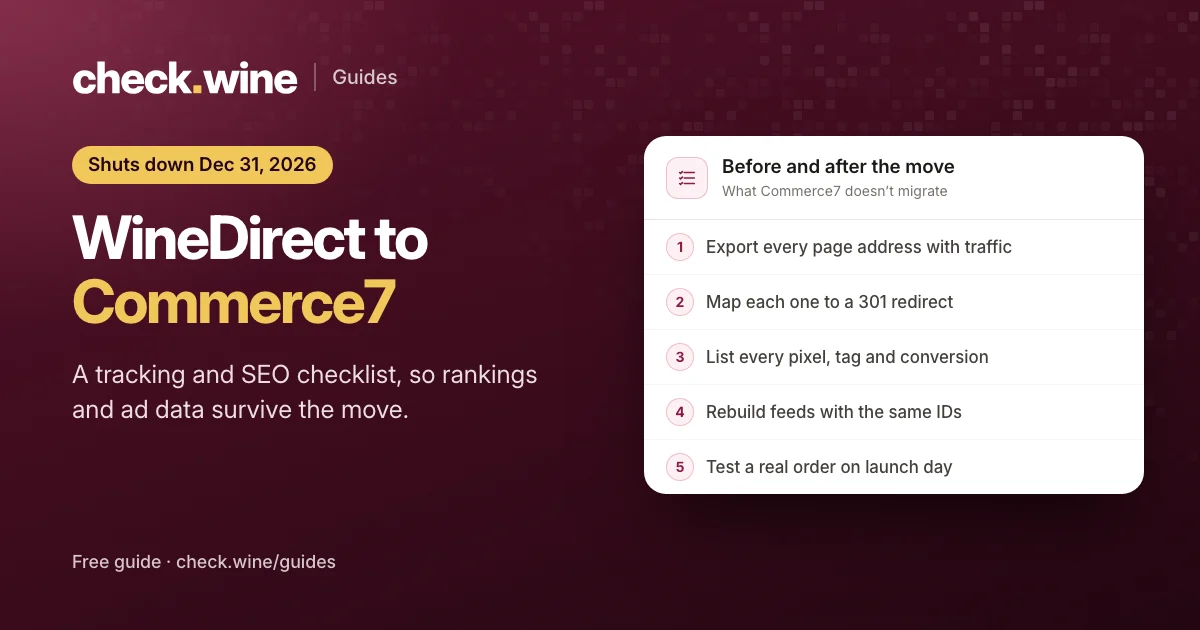
The timeline
Commerce7 bought WineDirect’s software business, and WineDirect’s help center gives December 31, 2026 as the date its platform shuts down, including access to data and records. WineDirect says a move takes at least two months from start to finish, and Commerce7 puts its onboarding at about six to eight weeks, with data migration included free.
Onboarding moves your store data, such as customers, orders, products and club members. What it doesn’t move is everything that lived around the store: page addresses Google has indexed, the tracking code that ran on WineDirect pages, the conversions your ads optimize for, and the product feeds behind Google Shopping and Meta catalogs. Those are on you or your web team, and they are what this checklist covers.
Before you switch: write it all down
1. Every page address that gets traffic
- Download your current
sitemap.xml. - In Google Search Console, open Pages and export the indexed pages, then open Performance and export the top pages for the last 12 months.
- In Google Analytics, export landing pages for the same period.
Merge the three into one sheet. Mark the wine pages, the club pages and anything with real search traffic. These are the addresses that need a redirect.
2. Every tag and pixel
List what runs on the current site and who owns it:
- Meta pixel ID, and whether anything sends Meta events from a server
- Google Analytics measurement ID (
G-…) - Google Ads conversion IDs and labels, and which conversion your campaigns bid on
- Google Tag Manager container ID, if you use one
- Pixels on Tock or other booking pages
- Email, review and chat scripts
Keep the same Meta pixel and Google Analytics property after the move. Their history, audiences and ad learning stay attached to the IDs, not to the website.
3. Every product feed
Note where your Google Merchant Center and Meta catalog feeds come from, and which product IDs they use. If the IDs change, Merchant Center treats every wine as a new product, and Meta catalog ads lose the link between past wine views and the wines in the feed.
Redirects: keep the Google rankings you have
Commerce7 wine pages live at addresses such as /product/2022-estate-pinot-noir on your website, and collections at /collection/red-wines. They rarely match the old WineDirect addresses. Every old address that had traffic needs a permanent (301) redirect to its new page, set up before launch day.
- Wine to wine. Send each old wine page to the same wine’s new page, not to the homepage. Google tends to treat a redirect to the homepage as a missing page, and the old page’s ranking goes with it.
- Retired wines go to the closest collection, such as the current vintage or the red wines page.
- Club, visit and contact pages go to their new equivalents.
- Keep the domain. If the domain changes too, follow Google’s site move steps and use the Change of address tool in Search Console.
Redirects are set on the website platform, not in Commerce7: a redirect plugin on WordPress, the redirect settings on Squarespace or Webflow, or your host or Cloudflare. After launch, open a sample of old addresses and check that each lands on the right page in one hop.
Tracking: rebuild it for Commerce7
Whatever WineDirect added to its checkout pages stops when they do. Commerce7 handles this differently, and in some ways better:
- The Commerce7 storefront pushes standard ecommerce events into the page’s
dataLayer:view_item,add_to_cart,begin_checkoutandpurchase, each with the SKU, price and currency. Google Tag Manager can pass them to Google Analytics, Google Ads and Meta. The Google Analytics 4 setup guide walks through it. - Check that your wine pages send ViewContent to Meta with the wine and its price, not only a page view. The Commerce7 Meta pixel guide shows how to test it.
- Commerce7 apps can send orders to Meta’s Conversions API straight from Commerce7, including tasting room and club sales. Options are compared in Meta Conversions API for Commerce7.
- Point your Google Ads purchase conversion at the new setup, then check its status in Google Ads after the first orders. A conversion that stops recording quietly starves Smart Bidding.
- If you use Tock, decide whether bookings reach Meta from Tock’s own pixel or from Commerce7, never both. See tracking Tock reservations in Meta ads.
Product feeds, search and link previews
- Merchant Center. Connect a feed built from Commerce7 to your existing Merchant Center account, and keep the old product IDs if your feed tool allows it. See Google Shopping for Commerce7 wineries.
- Meta catalog. Use each variant’s SKU as the item ID and the Commerce7 product ID as the group ID, so wine views and purchases match catalog items.
- Product data on wine pages. Commerce7 draws wines in the browser, so make sure each wine page also carries its title, description and Product schema in the HTML. The wine product schema guide and the link previews guide cover both.
- Search Console. Submit the new sitemap on launch day and include the wine pages in it.
Launch day tests
- Place a real online order with a card. Refund it afterwards if you like.
- In Meta Events Manager, find the Purchase with the right value and currency, and check it arrives once.
- In Google Analytics, open DebugView or Realtime and find
purchasewith the order total. - In Google Ads, check the purchase conversion records within a few hours.
- Ring up a tasting room sale and, if you use them, make a Tock booking and a club signup. Check each reaches whatever should report it.
- Open ten old addresses from your sheet and confirm each redirects to the right page.
- Share a wine link in a private message to yourself and check the preview names the wine.
The first month after launch
- Watch Search Console’s Pages report for “Not found (404)” and add redirects for anything that shows up.
- Compare weekly search clicks with the same weeks before the move. A short dip is normal; one that keeps falling usually means missing redirects.
- Compare orders in Commerce7 with purchases in Meta and Google Analytics for the same days.
- Run a free check.wine check on the new site. It tests the Meta pixel, Google Analytics, wine page data, link previews and AI crawler access in one pass.
Questions
When does WineDirect shut down?
WineDirect’s help center gives December 31, 2026 as the date the platform shuts down, including access to data and records. Confirm your own date with WineDirect or Commerce7.
Will we lose our Google rankings when we move to Commerce7?
Not if every old page address with traffic redirects to its new page with a 301 before launch. Expect a short dip while Google follows the redirects. Rankings that keep falling usually point to missing redirects.
Can we keep our Meta pixel and Google Analytics?
Yes, and you should. Keep the same pixel ID and the same Google Analytics property, so audiences, history and ad learning carry over. Only the code on the site changes.
Does Commerce7 set up tracking for us?
Commerce7 pushes ecommerce events to the page, but connecting them to Meta, Google Analytics and Google Ads is up to you, your agency or an App Store app.
Read next
All guides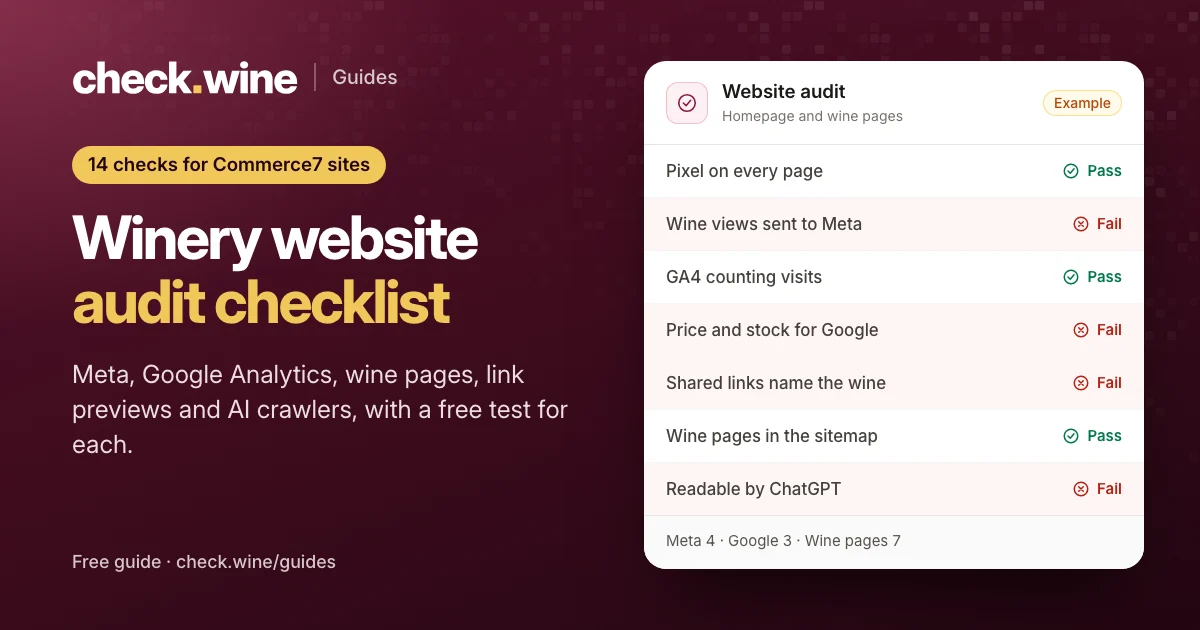 Guide
Guide
Winery website audit checklist
A 14-point winery website audit for Commerce7 sites: Meta pixel, Google Analytics 4, wine page data, link previews and AI crawlers, with a free test for each.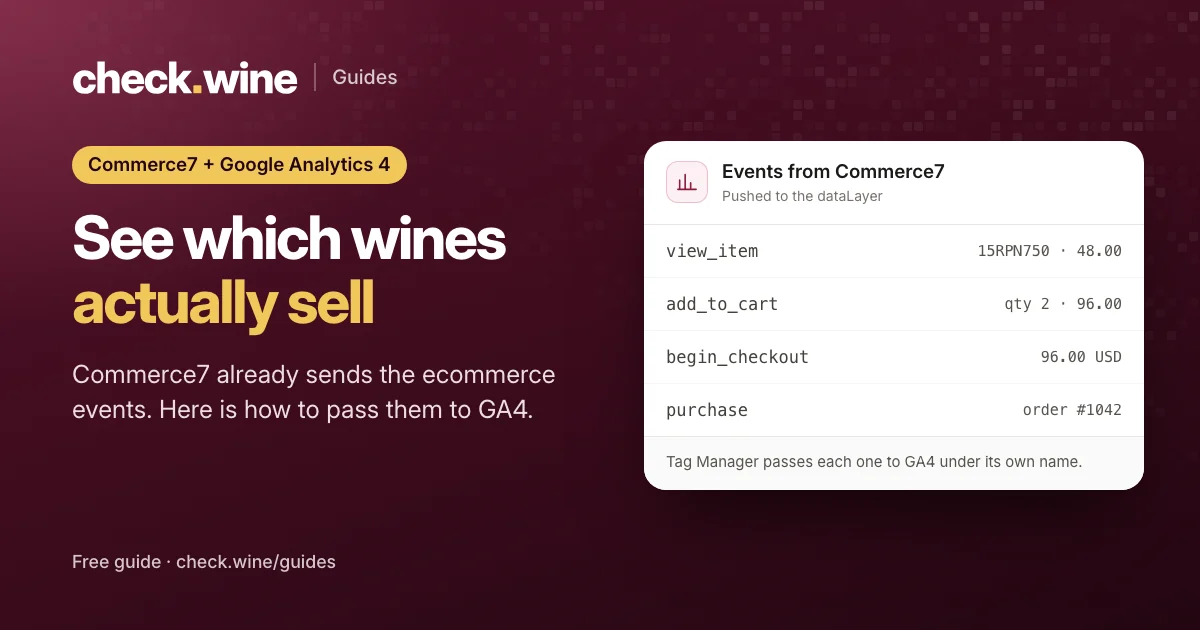 Guide
Guide
Commerce7 Google Analytics 4 setup
Set up Google Analytics 4 on a Commerce7 winery site with Google Tag Manager: the ecommerce events Commerce7 already sends, the tags to add and how to test.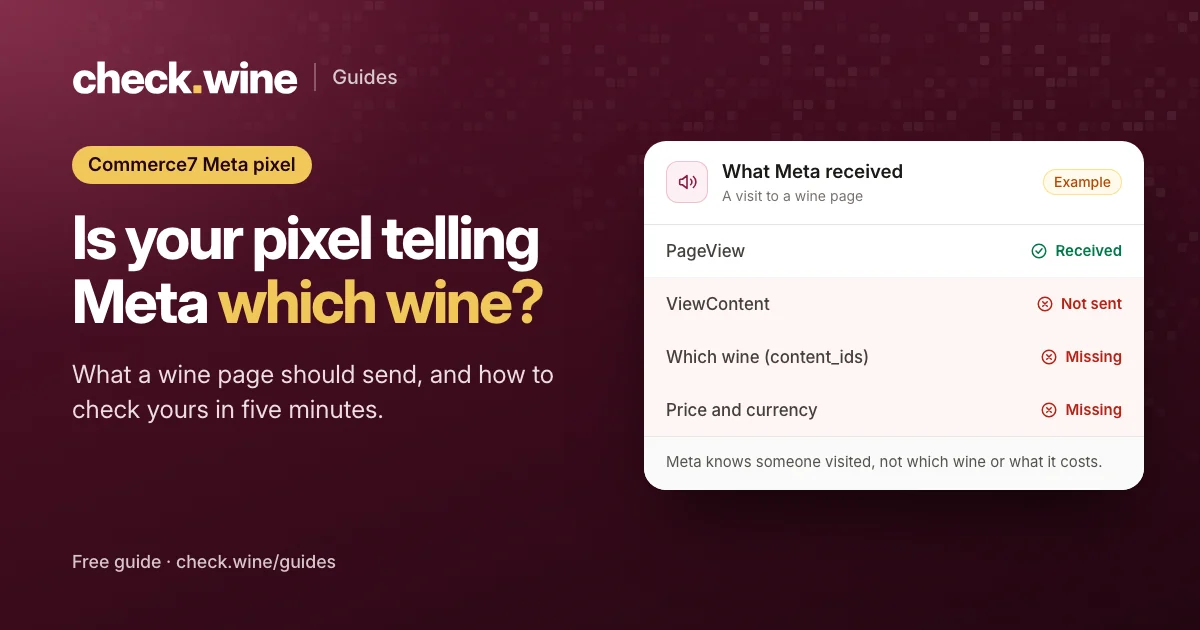 Guide
Guide